DTF halftones: the complete guide
What halftone screening is, why it turns a heavy DTF print into a soft one, and how to choose dot frequency, shape and angle.
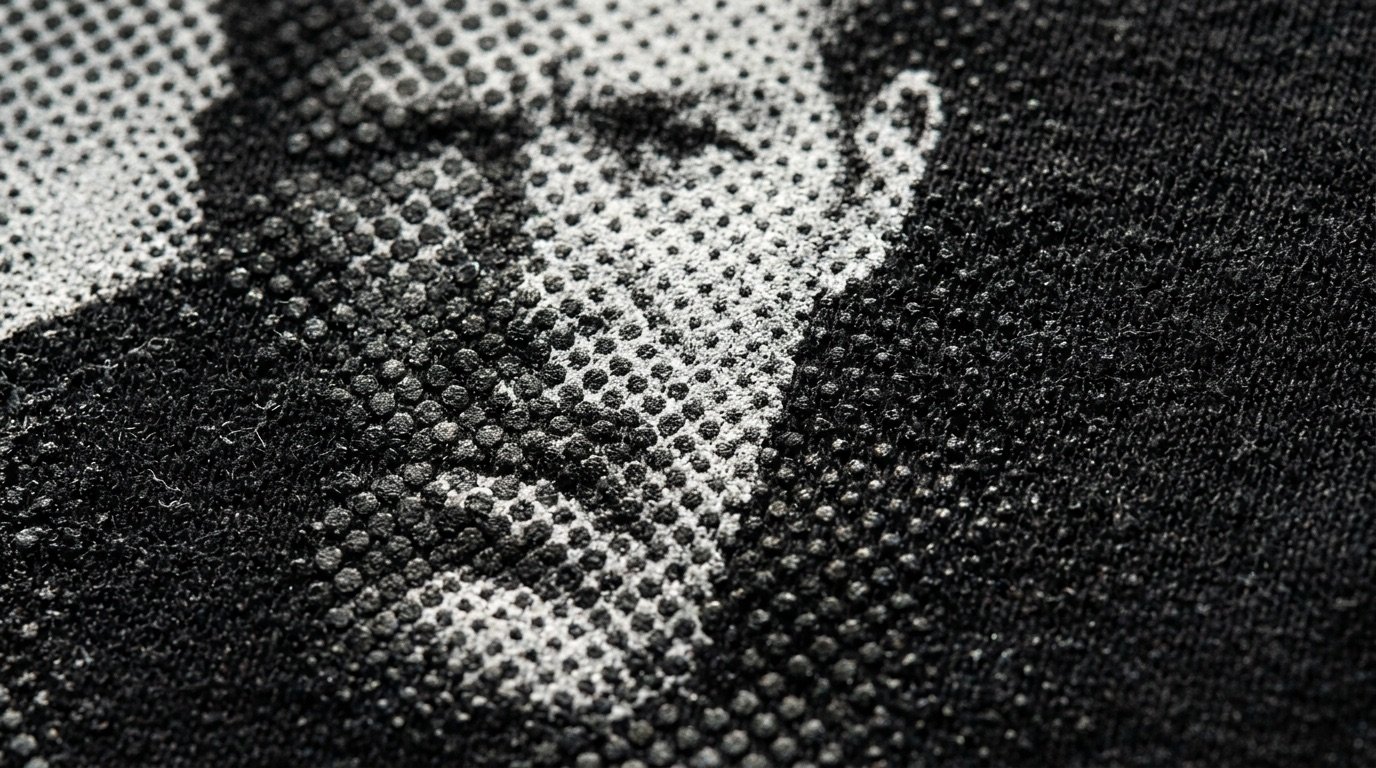
Halftone screening is the secret behind DTF prints that look like screen printing. It turns gradients into dots, lets the fabric breathe and gives artwork the professional look a solid print can never have.
This guide covers everything worth knowing about DTF halftones: what they are, why they work, which parameters actually matter (frequency, shape, angle, minimum dot) and how to set them up for photos and illustrations.
- Halftoning converts midtones into solid dots separated by gaps.
- In DTF it stops gradients from becoming solid layers of white and glue.
- The key parameters are frequency (LPI), shape, angle and minimum dot.
- The right value comes from a print test, starting from mid-range settings.
What halftone screening is
Halftoning was born with letterpress printing: since a press cannot print "half an ink", midtones are simulated with solid dots of varying size. From a distance, small dots on a light background read as light grey, large ones as dark grey. It is the same principle used by newspapers and screen printing.
In DTF the principle is identical, with one extra advantage: the space between the dots is real fabric. If the shirt is black, the empty space "makes" the black; if it is coloured, it makes that colour.
Why it matters so much in DTF
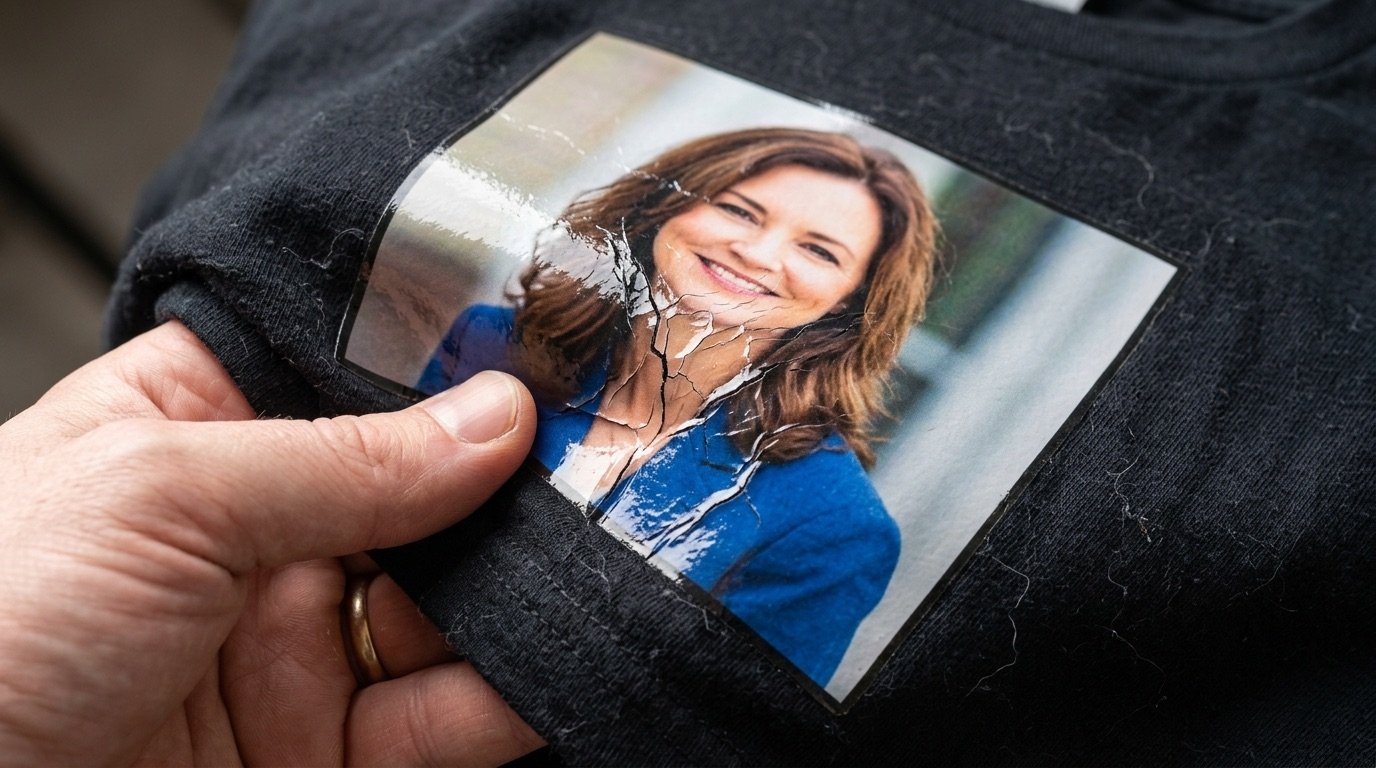
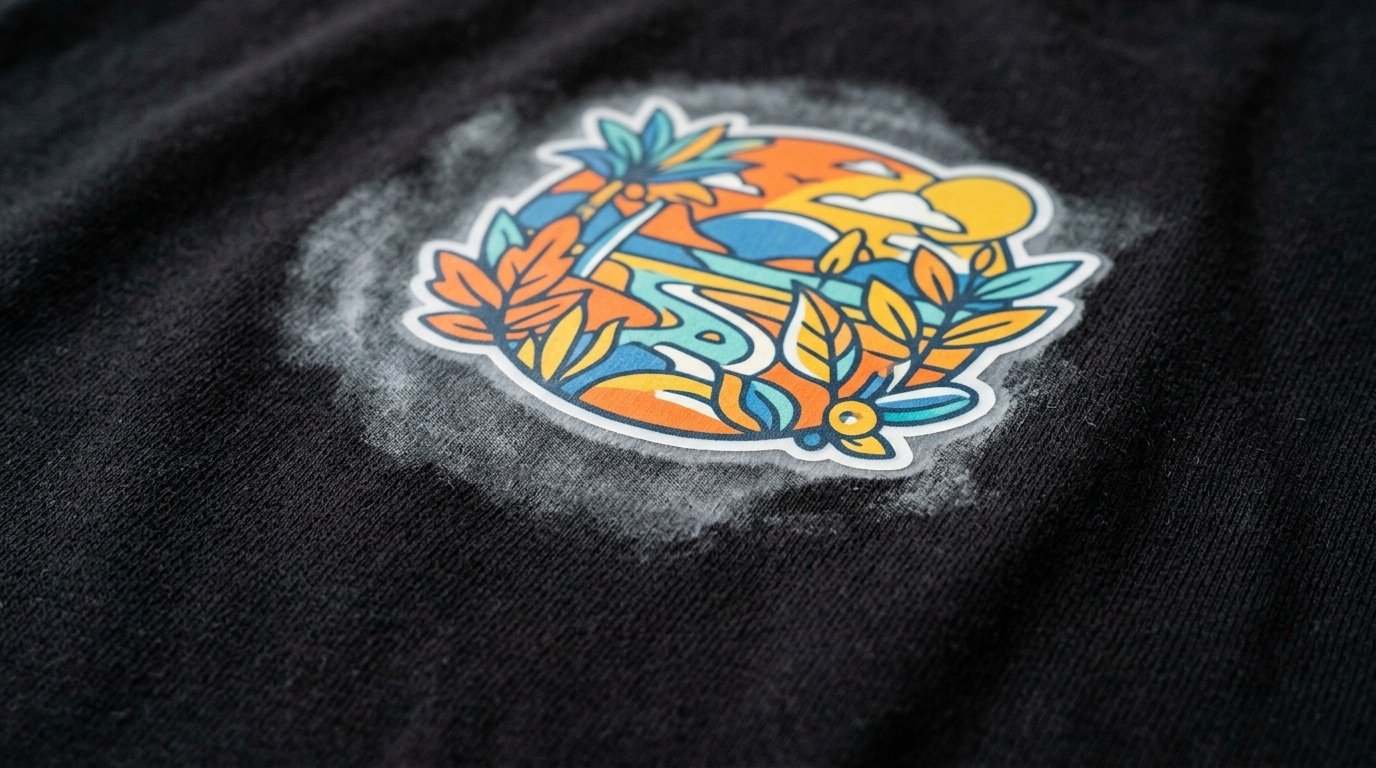
DTF prints a white layer underneath everything that is not transparent. A gradient built with opacity (pixels at 30%, 50% and so on) is therefore read by the RIP as an area to cover, usually with white underneath. The result is a stiff, plasticky print, with gradients flatter and lighter than expected and, at times, milky halos.
With halftoning, every pixel is either solid or empty. The RIP prints only the dots, white sits only under the dots, and the final film is punched through with thousands of micro gaps. That gives you:
- a softer, lighter, more breathable print;
- gradients that are easier to control and look natural;
- less white and colour ink used;
- artwork that integrates with the garment, with no sticker effect;
- a screen-print look that reads as more premium.
The 4 parameters that matter
1. Frequency (LPI)
Frequency tells you how many rows of dots there are per inch (lines per inch). Fewer LPI means bigger, more visible dots; more LPI means smaller dots and a more photographic image.
| Indicative frequency | Effect | When to use it |
|---|---|---|
| 15–25 LPI | Large, clearly visible dots | Vintage look, pop art, big prints seen from a distance |
| 25–45 LPI | Balance of detail and softness | Most photos and illustrations on t-shirts |
| 45–65 LPI | Fine dots, more photographic | Small, detailed subjects, only after a test |
These are starting points, not rules: the ideal frequency depends on printer, film, powder and artwork size. A screen that is too fine risks losing the smallest dots; one that is too coarse can take over the design. If in doubt, start around 35 LPI and adjust after the first test.
2. Dot shape
- Round: the classic, most versatile choice, great for photos and portraits.
- Elliptical: smoother transitions in the midtones, useful on skin tones.
- Square: a harder, more graphic look.
- Line: an engraving or retro effect, very characterful.
3. Angle
For a monochrome screen — typical in DTF, where you halftone the alpha or a single channel — the usual angle is 45°, because the eye picks up a diagonal grid less. Angles such as 22.5° can help reduce moiré on fabrics with a very visible weave.
4. Minimum dot and thresholds
In the highlights, dots become tiny. In DTF a dot that is too small may not hold enough adhesive and can disappear in the wash. That is why you set a threshold: below a certain value the dot is dropped, above another the area becomes solid. Controlling those thresholds with curves is what separates a clean screen from a "dusty" one.
AM, FM and grain
The screen described so far is AM (amplitude modulated): regular grid, dots of varying size. There is also FM or stochastic screening, where dots are similar in size but their density changes, distributed randomly. The result looks like photographic film grain: less graphic, more organic. Adding controlled grain is a great way to give photos an analogue feel.
Step by step
- Prepare the image at real size and 300 DPI (see how to prepare a DTF file).
- Pick the garment colour: this is the colour that gets removed and replaced by the fabric.
- Adjust contrast: shadows, midtones, highlights. Backlit or overexposed photos need fixing before you halftone.
- Set the screen: frequency, shape, angle, minimum and maximum thresholds.
- Inspect at 100%: no isolated tiny dots, no semi-transparent pixels.
- Export a transparent PNG and run a print test on a scrap garment.
The most common mistakes
- Halftoning everything: areas that should stay solid, like type and hard edges, can stay solid.
- Too fine a screen for the printer: lost dots and lost detail.
- Too coarse a screen on small artwork: the subject becomes unreadable.
- Not fixing the image first: a screen applied to a flat photo stays flat.
Photoshop or a dedicated tool?
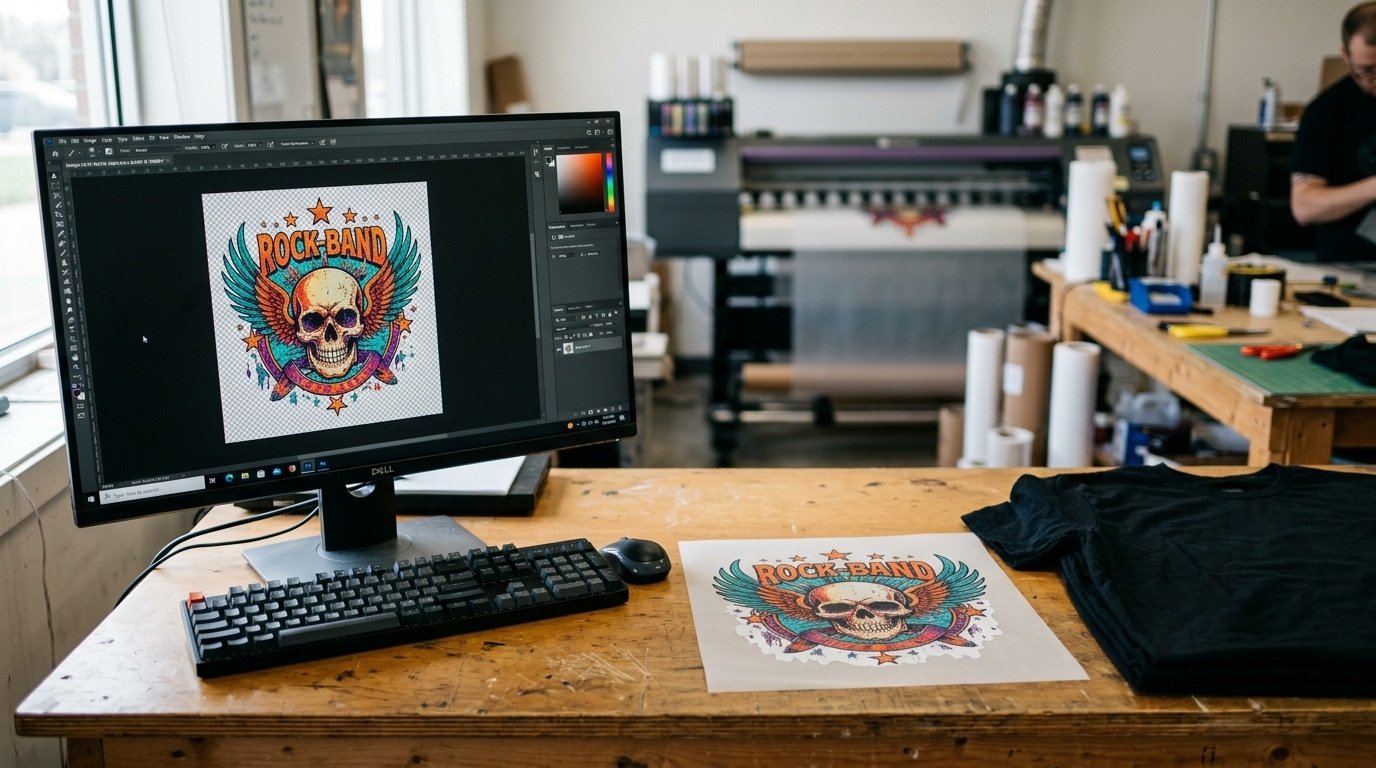
Photoshop can produce a good screen with bitmap mode or custom actions, but you have to separate channels, handle the fabric colour knockout and rebuild transparency: long steps, repeated for every image. Halftonix Pro was built to do just this, and do it well: advanced presets, live curves, organic grain, single-dot inspection and a 300 DPI PNG export ready for the RIP, in minutes rather than hours.
Frequently asked questions
What is halftone screening in DTF printing?
It is the technique that turns gradients and midtones into solid dots of varying size (or density), separated by empty space. In DTF it stops gradients from being printed as solid areas with a white underbase, which makes the print softer and more breathable.
How many LPI should I use for DTF?
There is no single value. As a starting point many printers work between roughly 25 and 45 LPI: lower for a vintage look with visible dots, higher for a more photographic result. Always run a test with your own printer and powder.
What is the difference between AM and FM screening?
With AM (amplitude modulated) screening the dots sit on a regular grid and their size changes. With FM, or stochastic, screening the dots are similar in size but their density changes, in a random distribution that looks like film grain.
Can I halftone a photo in Photoshop?
Yes, using bitmap mode with a halftone screen or dedicated actions, but you still have to handle channels, fabric colour knockout and transparency separately. A dedicated tool like Halftonix Pro runs those steps in one flow and exports the transparent PNG directly.
Do halftones survive washing?
Yes, as long as the dots are not too small. Isolated fine dots in the highlights may not hold enough adhesive, which is why you set a minimum dot size and avoid screens that are too fine.