Why a DTF print feels stiff and plasticky
The heavy patch effect is not only down to the printer. Most of the time it starts in the file: here are the causes and how to get a soft, breathable print.
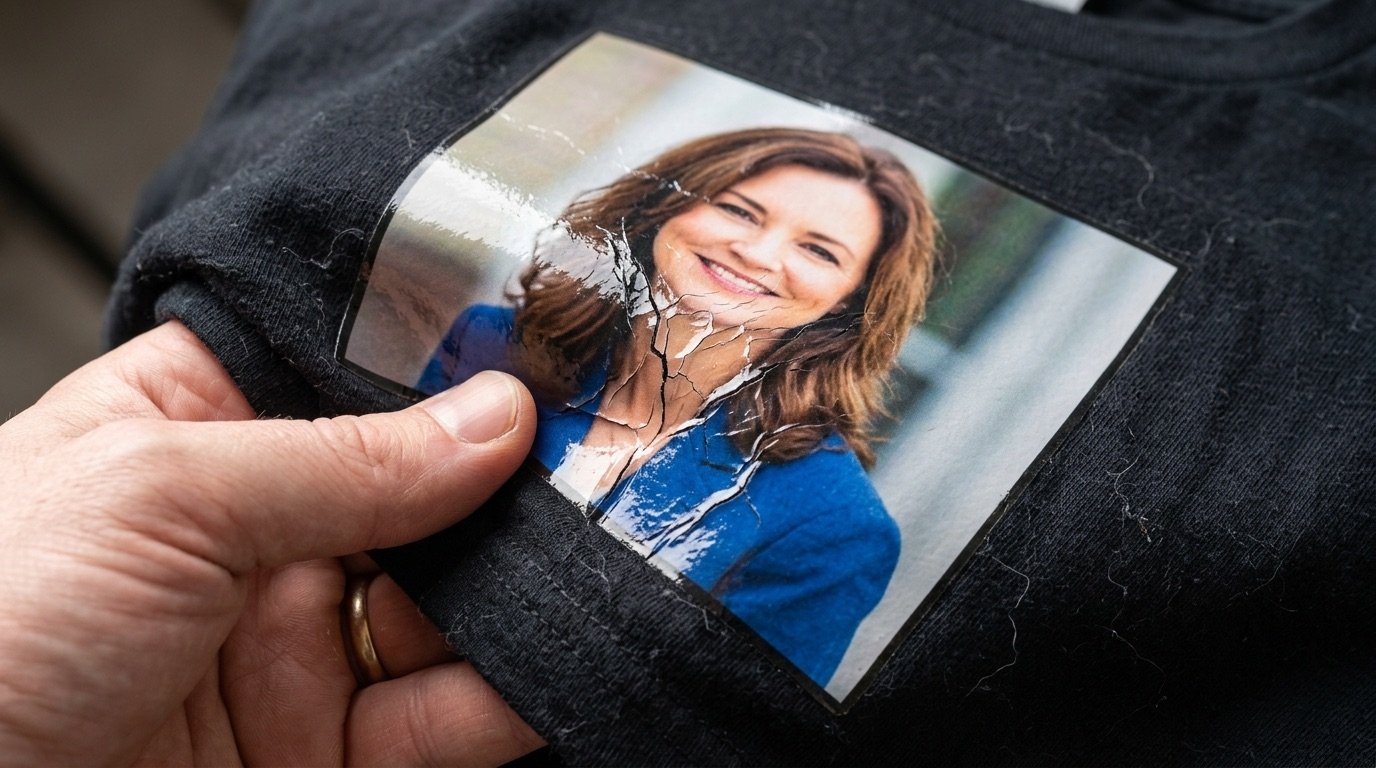
The artwork looks great, the colours are right, but the moment you touch the shirt you feel a slab of plastic. Heavy, shiny, with no breathability. It is the classic patch look that makes even a great design feel cheap.
Good news: in most cases the problem is neither the printer nor DTF itself. A DTF print feels stiff when it deposits more material than it needs to, and that excess is almost always decided in the file. Here is why it happens and how to fix it.
- Stiffness tracks the amount of solid coverage: colour plus white plus adhesive.
- The main causes are solid backgrounds, black on black shirts and un-halftoned gradients.
- The most effective fix is to halftone and knock out the fabric colour in the file.
What makes a DTF print stiff
Every printed area in DTF is a small sandwich: colour inks, a layer of white underbase and the cured adhesive powder. Once pressed, that stack bonds to the fibres but stays a continuous film. The wider and denser it is, the more the print:
- feels stiff and refuses to flex with the fabric;
- runs hot and unbreathable, because it seals the weave;
- looks shiny and applied, like a sticker;
- tends to crack earlier where the garment stretches most.
The key point is that a DTF print with 90% solid coverage and one with 50% halftoned coverage can look the same from a metre away, and feel completely different in the hand.
The 5 most common causes
1. Artwork locked inside a rectangle
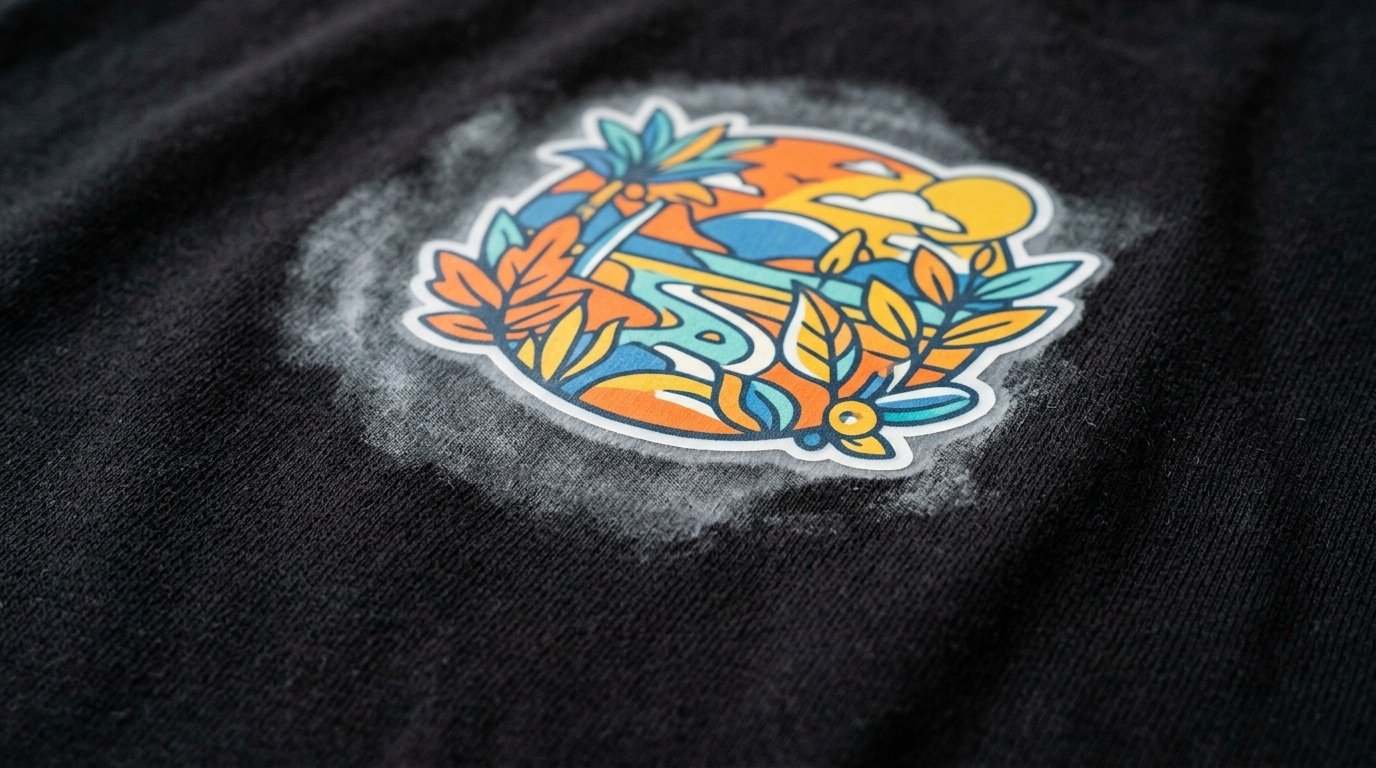
Photos with a background, frames, textures that fill the whole area: this is the "poster stuck on a t-shirt" effect. The entire surface becomes one single film. Cutting the subject out helps, but a hard cut-out gets you the sticker look instead: the better fix is to fade the edges with the halftone.
2. Black printed on a black shirt
This is the most widespread cause and the easiest to remove. Black on a black garment adds nothing visually, but it adds two layers of material: the white underneath and the black on top. Knocking the garment colour out of the artwork can cut the printed area dramatically. The procedure is in the guide on how to prepare a file for DTF printing.
3. Gradients and shadows kept as solid tone
A shadow at 30% opacity does not become "a bit of ink" in DTF: the RIP tends to print it with white underneath, so it still builds a layer. Gradients have to be translated into solid dots of varying size, which is exactly what halftone screening does.
4. Too much white underbase
The RIP lets you adjust white ink volume and how far it is choked back from the colour. Too much white means more thickness. It is a production setting, agreed with the print shop, but it acts on a problem the file has already half created.
5. Powder and press out of calibration
Too much adhesive powder, over-curing or press settings that do not match the film can stiffen the print further. Follow the recommendations of your film and powder supplier: these are process variables, and they should be tuned after the file is optimised.
The fix: less film, more fabric
The approach print shops use for a soft DTF print comes down to one sentence: print only what you actually need. In practice that means:
- Knock out the garment colour, so the fabric replaces the ink.
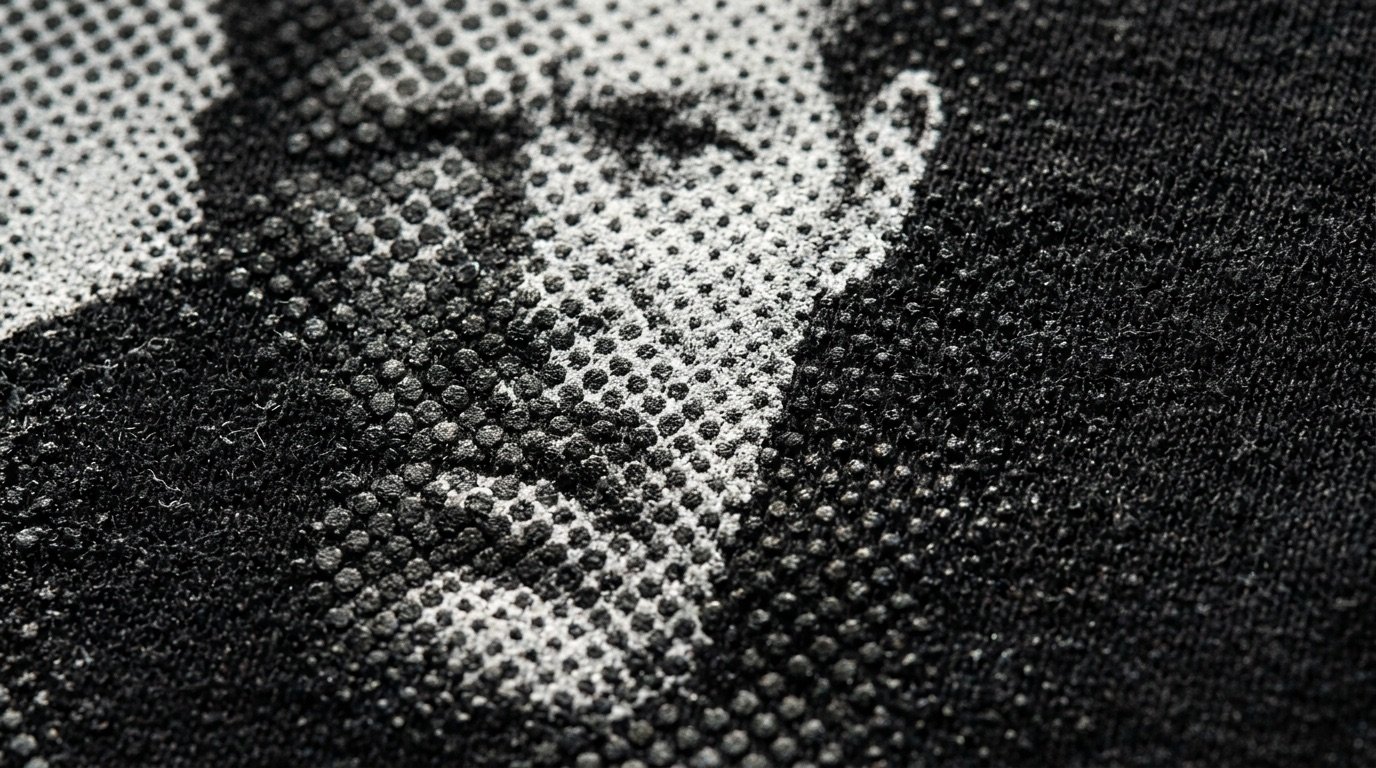
- Halftone shadows, gradients and edges, turning solid areas into dots separated by micro gaps.
- Remove semi-transparent pixels, which the RIP would print anyway with white underneath.
- Avoid containers: no rectangles, no backgrounds — the artwork should melt into the garment.
The result is a print that bends with the fabric, lets the shirt breathe and looks far closer to screen printing. At normal viewing distance, the eye blends the dots and reads the gradients as continuous.
A halftoned print also uses less white and less colour ink: you save material and end up with a garment that is perceived as more premium.
Solid versus halftoned: the comparison
| Solid print | Halftoned print | |
|---|---|---|
| Hand feel | Stiff, continuous film | Soft, follows the fabric |
| Breathability | Low | Better, fabric stays visible |
| Look | Glossy, "applied" | Integrated, screen-print feel |
| Ink use | Higher | Lower |
| File prep | Fast | One extra step |
How to do it without losing hours
Halftoning and knocking out the fabric colour is possible in Photoshop, but every image needs its own thresholds, channels and masks. That is exactly the job Halftonix Pro does: pick the garment colour to exclude, shape shadows, midtones and highlights with live curves, and get a transparent PNG with the black or white punched through, with no halos and no semi-transparent pixels. The mockup preview lets you check the effect straight on the shirt.
If your prints currently feel like plastic patches, work on the file before you touch the printer: it is the change with the biggest impact and the lowest cost.
Frequently asked questions
Are DTF prints always stiff?
No. A DTF print with few solid areas, halftoned gradients and the garment colour knocked out can feel soft and light. Stiffness mostly depends on how much material is deposited, which comes down to how "full" the artwork is.
How do I make a DTF print softer?
Reduce solid coverage: knock out the garment colour, halftone shadows and gradients, avoid rectangles and backgrounds. In production, also check white ink volume, adhesive powder and the press settings recommended by your film supplier.
Why doesn't my DTF print breathe?
Because ink, white underbase and adhesive form a continuous film that closes the weave of the fabric. Halftoning punches thousands of micro gaps into that film, so the garment can breathe again.
Does halftoning ruin image quality?
Set up properly, no. At normal viewing distance the eye blends the dots into a gradient. Up close it gives a screen-print look, which is usually read as more premium than a solid print.