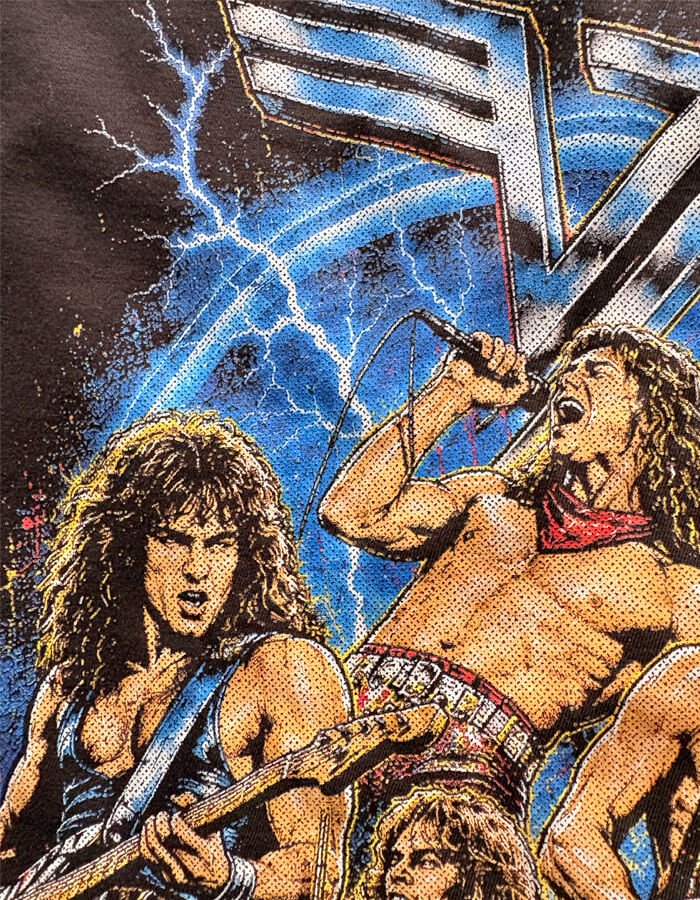
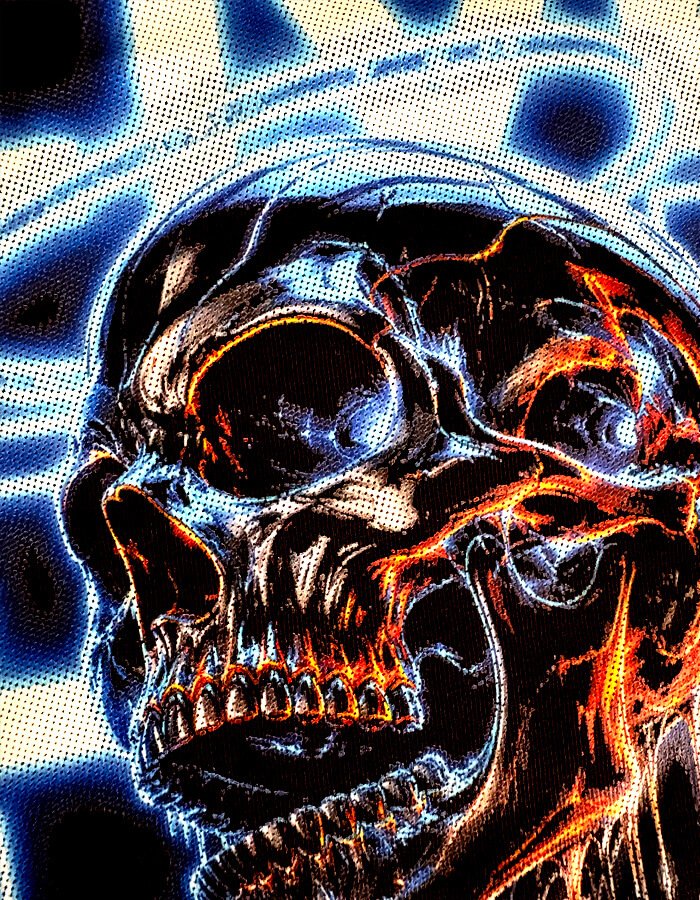
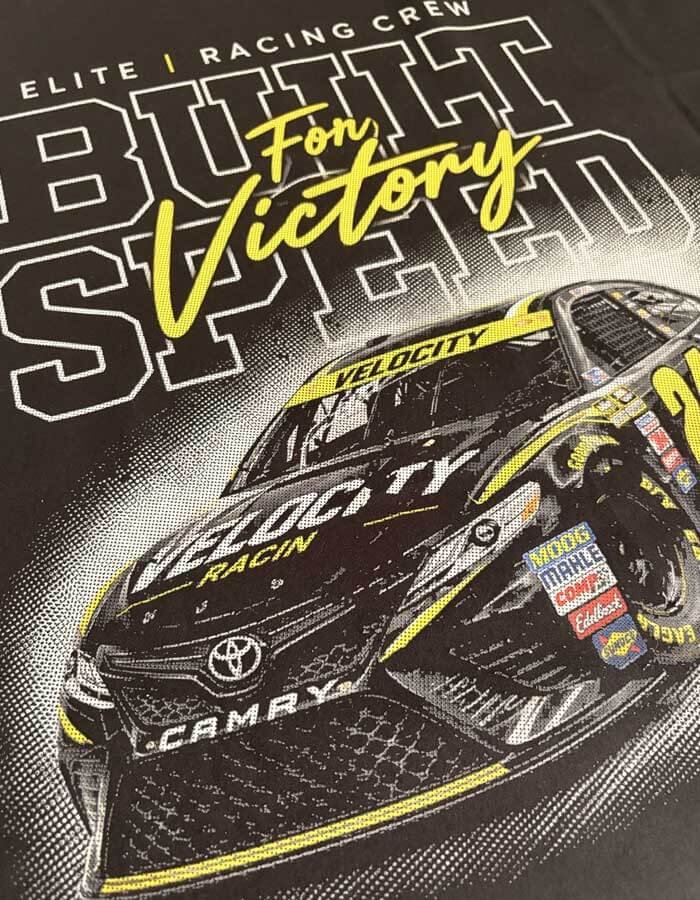
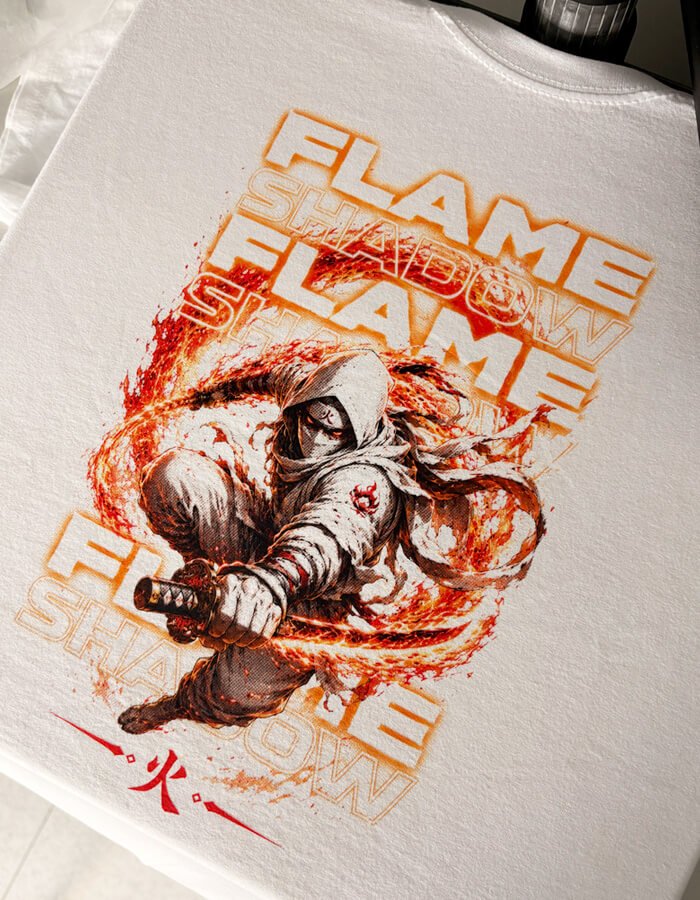
50% Discount Promo Expires in…
Edit your halftone screen in just a few clicks with advanced presets and export to transparent PNG for an outstanding, screen-print-like result
Without: Photoshop, plugins and subscriptions
Buy today at launch price for just:
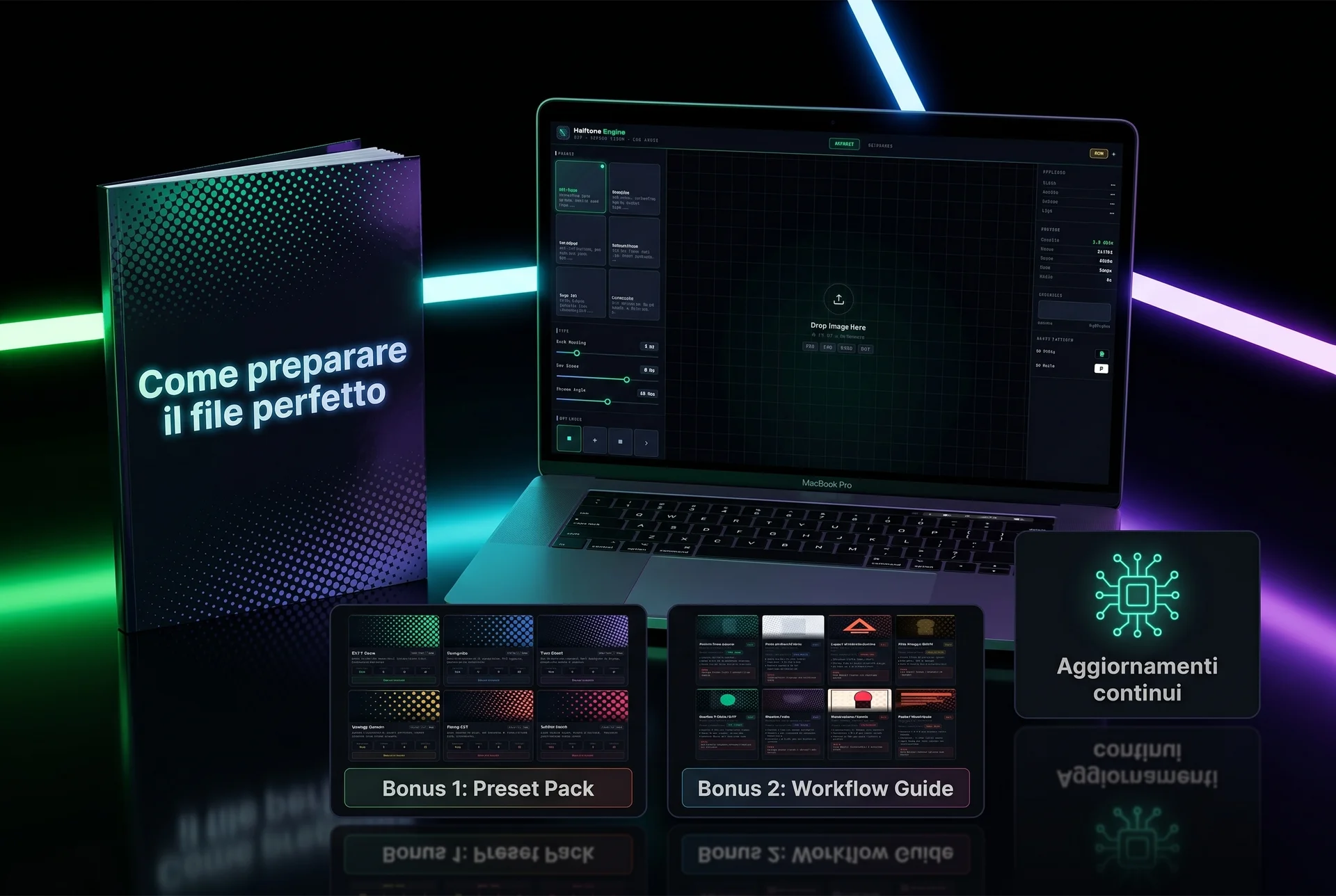
Advanced Halftone editing software for DTF/Digital + 3 Bonuses
Compatible with Mac and Windows
Do your DTF or digital prints look like plastic patches?
Have you ever spent hours trying to get that perfect screen-print effect in Photoshop, only to end up lost among crashing plugins and incomprehensible English-language tutorials?
Every day, printers and graphic designers like yo waste time and money on a problem that shouldn't even exist. How many times have you had to print an image or graphic on a black t-shirt or hoodie base?
The result? You fix the image as much as you can, but it still comes out as a thick, plasticky, non-breathable "blob"a print of questionable quality and, above all, cheap-looking.
In DTF printing, black often requires a double layer (white underneath + black on top), and when halftoning is missing, the print can end up looking too "plastic" and heavy. The problem can appear on both black and white backgrounds a seconda di come viene preparata e stampata la grafica.
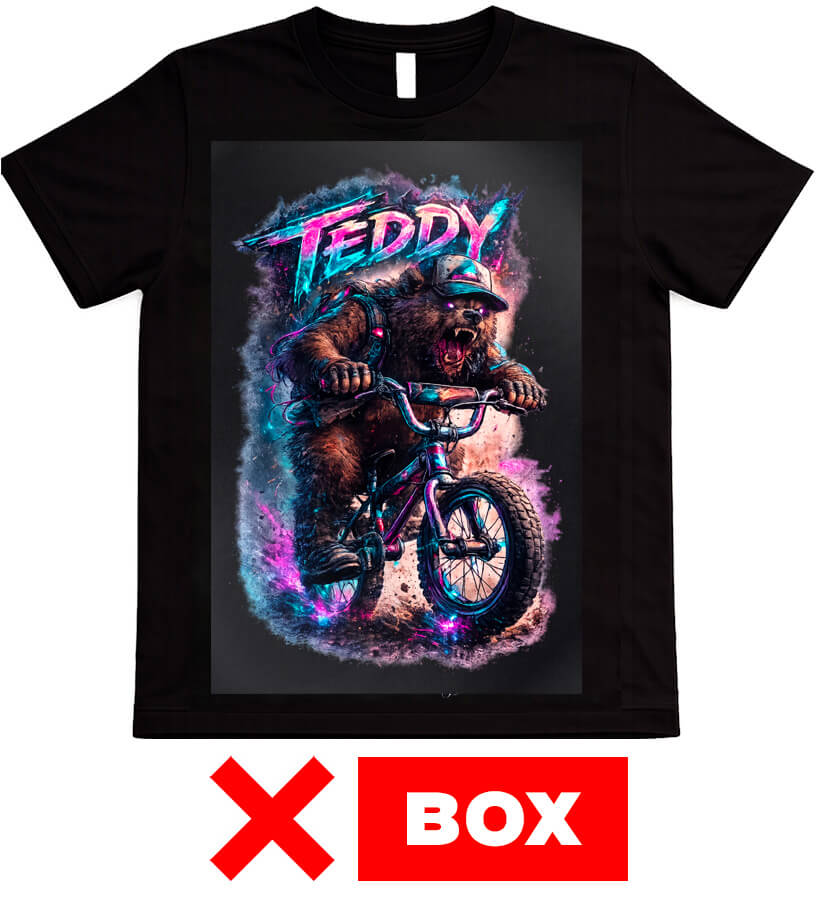
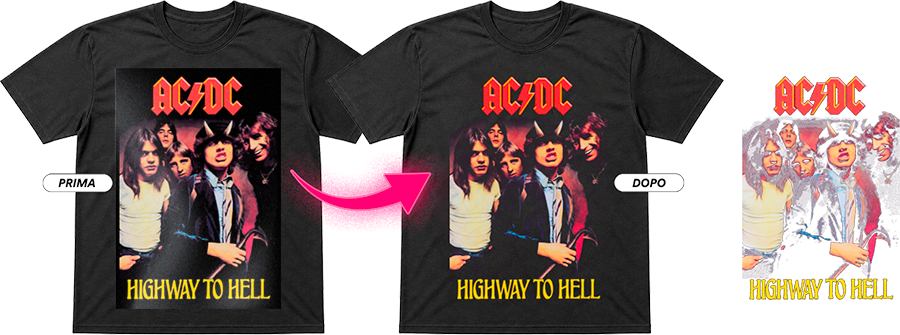
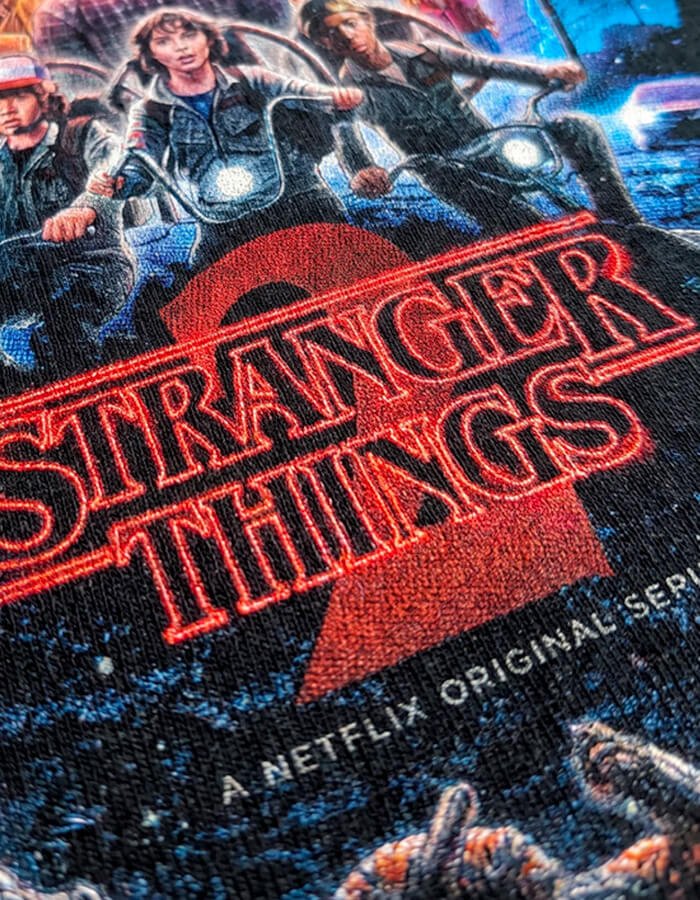
Looks like a poster
stuck onto the t-shirt
The design is confined within a rigid rectangle that breaks the visual flow of the garment. The final effect looks cheap and poorly put together. It completely lacks the “premium” look that a professional print should have.
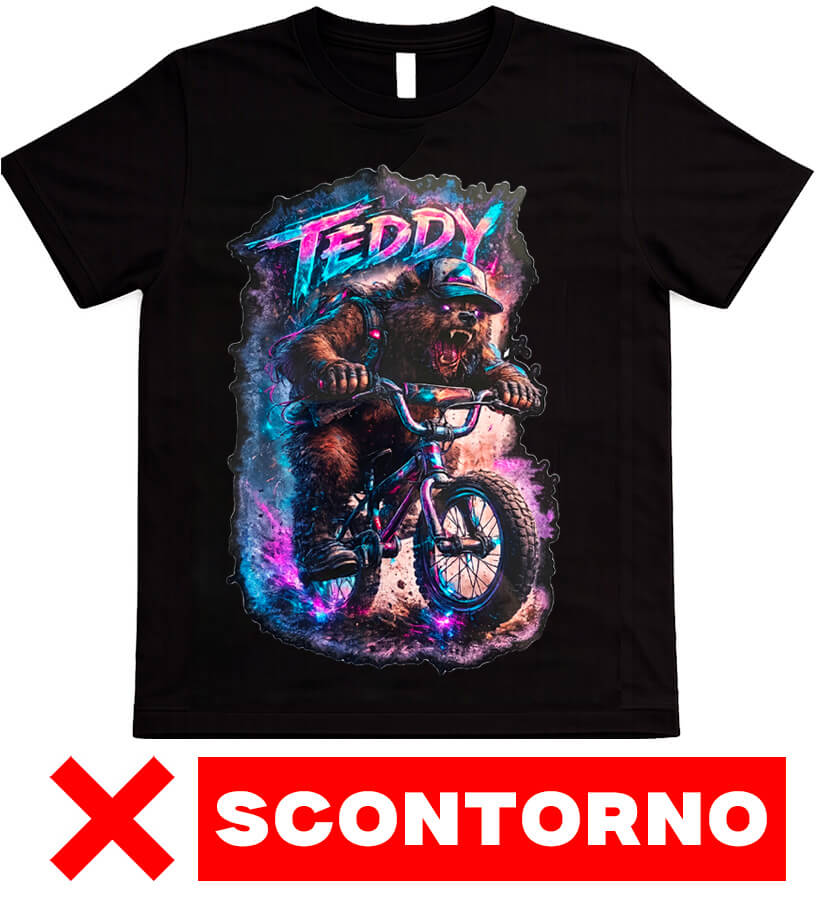
Sharp cutout
Looks like a sticker
The cutout effect removes depth and blending with the fabric, making the design look like an applied sticker. Up close, it loses impact and realism. The result is an unnatural, less engaging design.
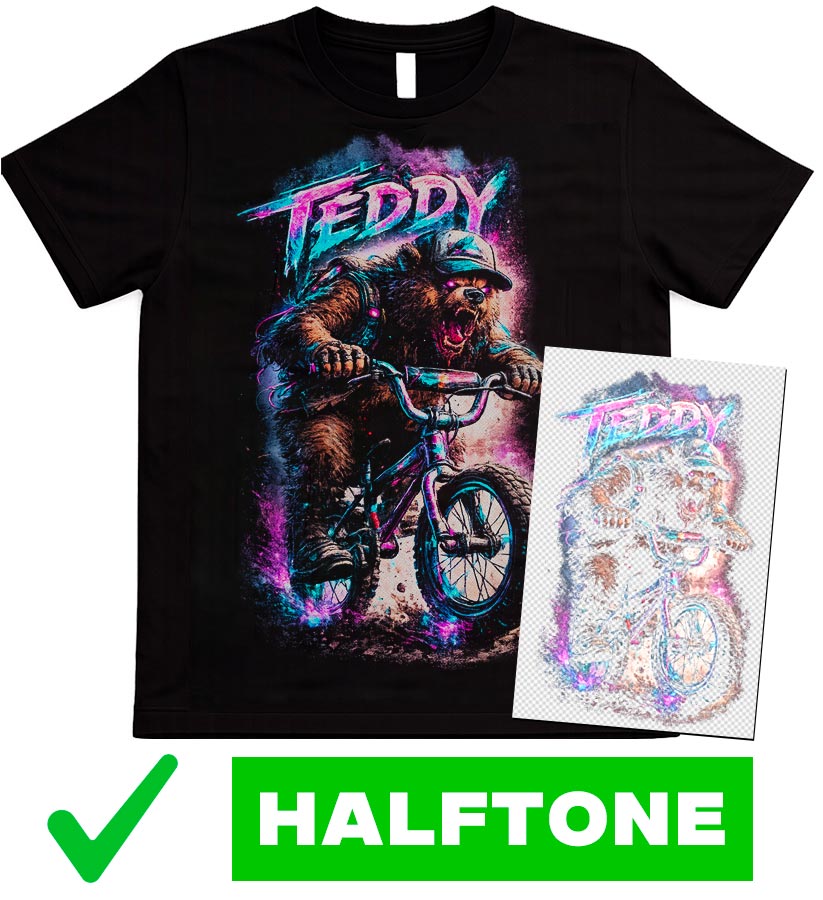
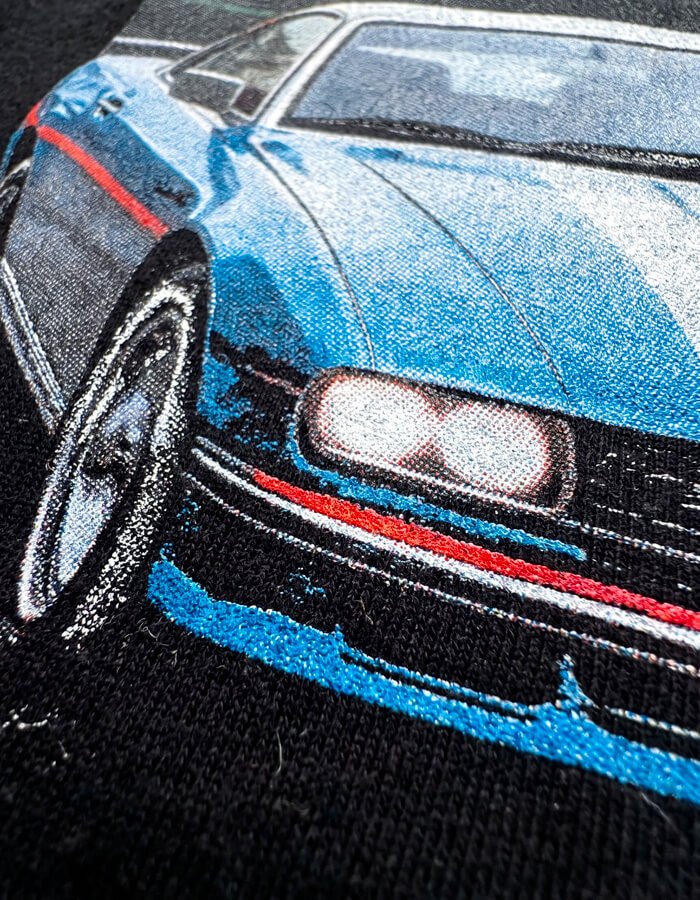
Depth, integration
and a professional look
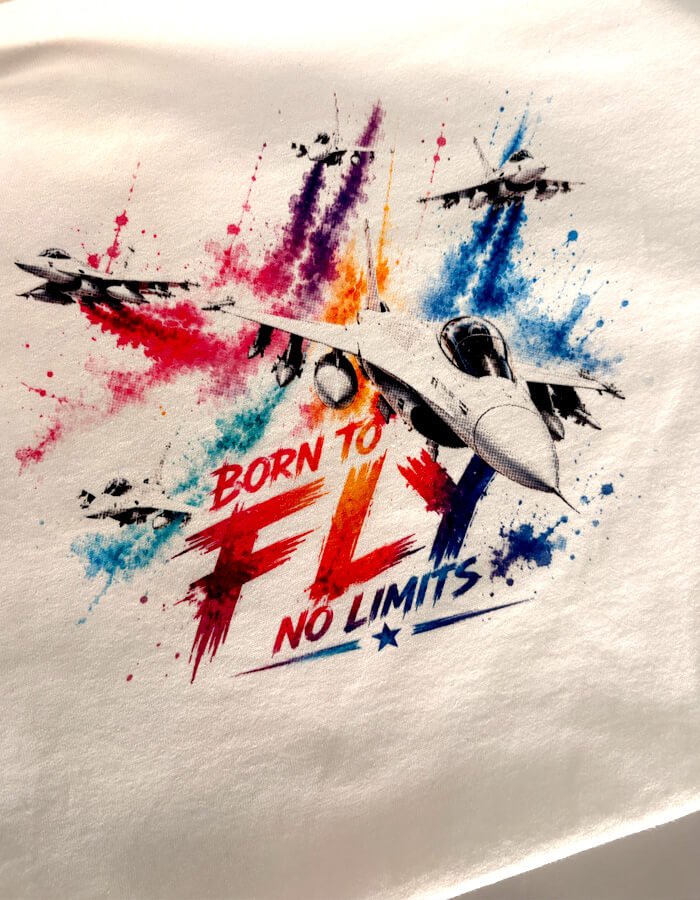
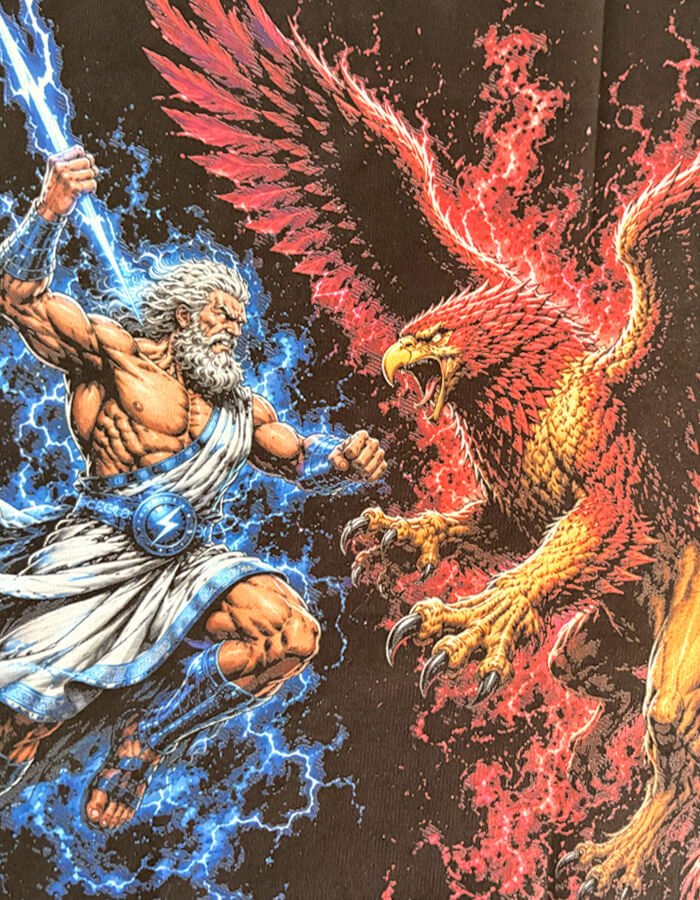
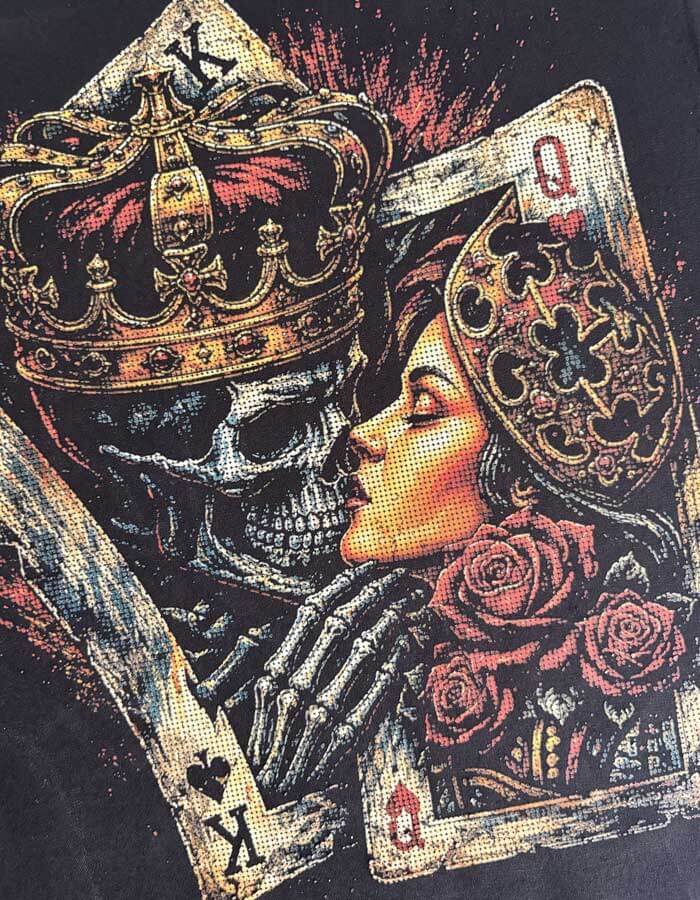
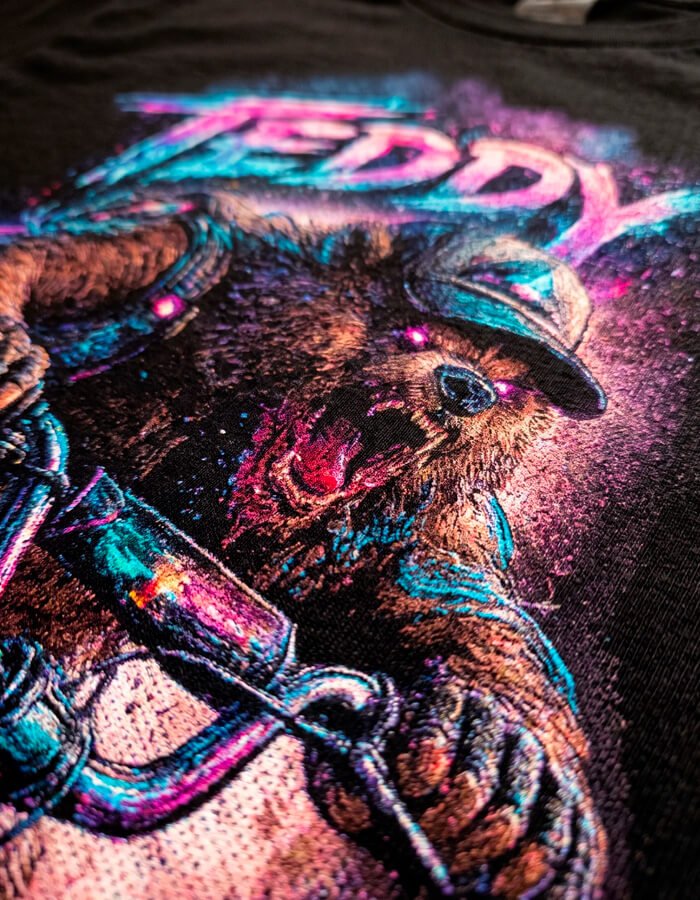
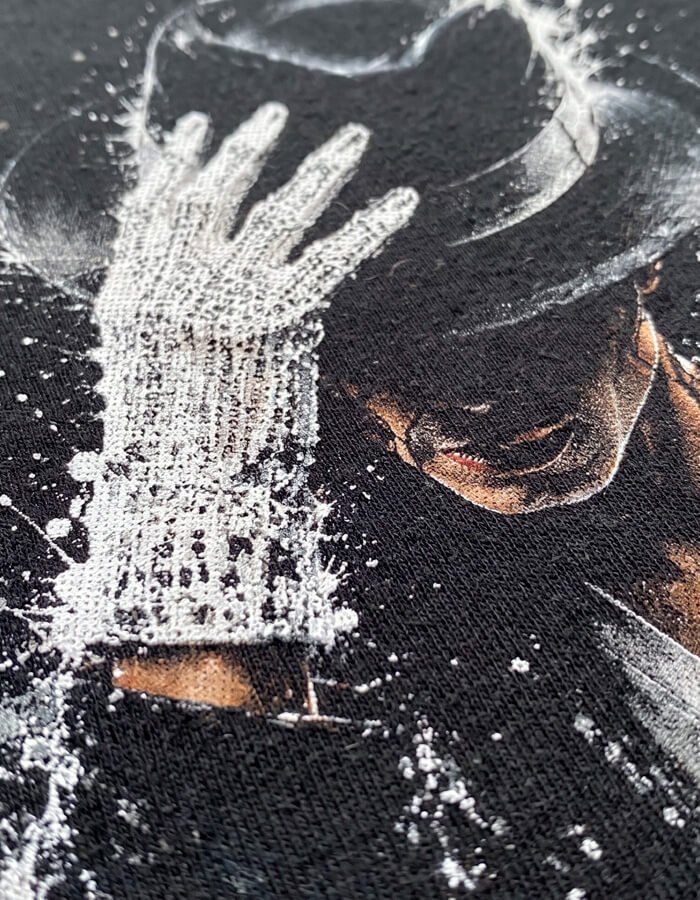
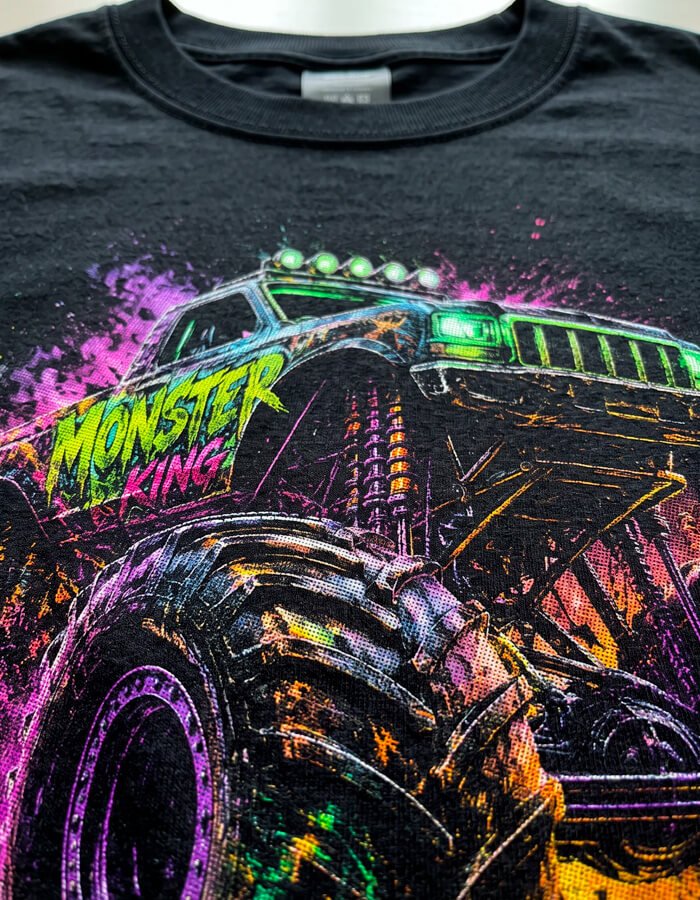
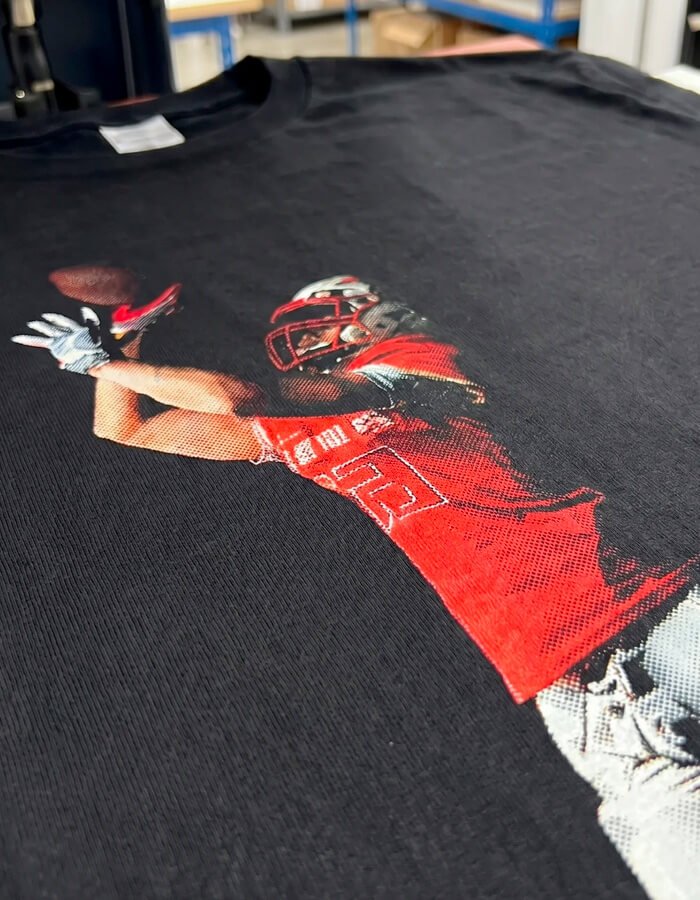
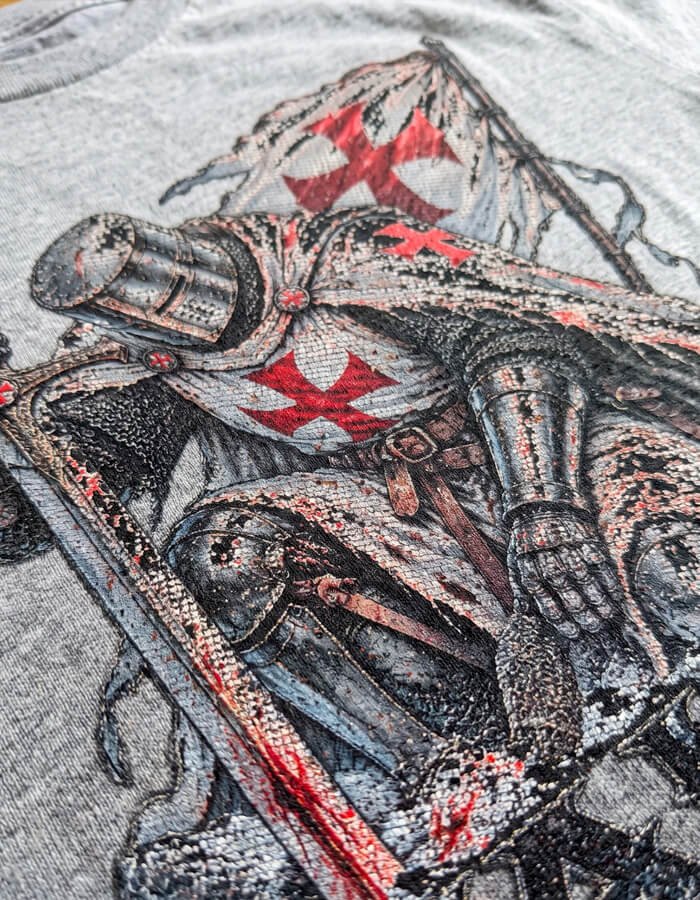
Halftone blends the illustration seamlessly with the fabric, eliminating artificial edges and creating a natural transition. The result is visually powerful: it makes the t-shirt look high-quality and ready to sell.
No more overly complicated solutions
For example, Photoshop requires custom actions that nobody really explains.
Pro software costs at least €300
Halftone plugins cost €300–500 and only work on specific versions.
Pure blacks = blotches and halos
The final result has pure blacks that turn into dark blotches and impossible halos on DTF.
Blown-out highlights
Bright areas blow out and are completely lost.
You always have to start over
Every photo is different — every time you have to start from scratch... yet again
You're not satisfied with the final result
Whether it's for you or a client, you do everything from scratch hoping to reach a result you're happy with
Meanwhile...
The problem isn't you... it's that you don't have the right tool.
Every hour lost on a file is an hour taken away from your business.
Not just in euros — in time taken away from paying jobs, in dissatisfied clients because the quality wasn't up to par.
A freelance graphic designer loses an average of 2-3 hours for every halftone graphic made in Photoshop or with a traditional workflow.
And that's not even counting those running a high-volume print shop.
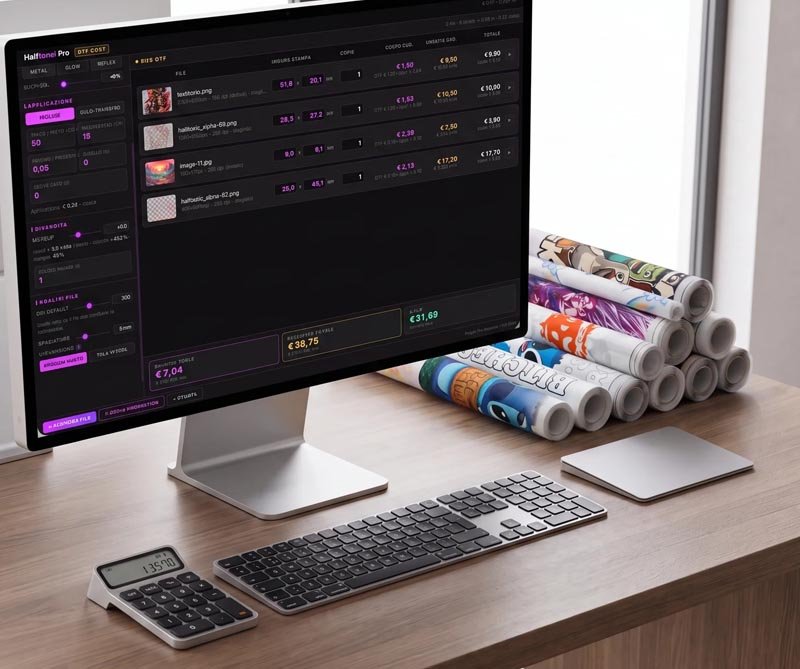
● LOSS CALCULATOR
If you make 4 graphics/month
96 Hours/year
Working weeks lost ≈ 4
Average hourly rate €35/h
Estimated annual cost €3.360
With Halftonix Pro ≈ It takes only 3 minutes for graphic!


The professional web tool for DTF halftone and digital screen printing,
already used by printers and designers across Italy.
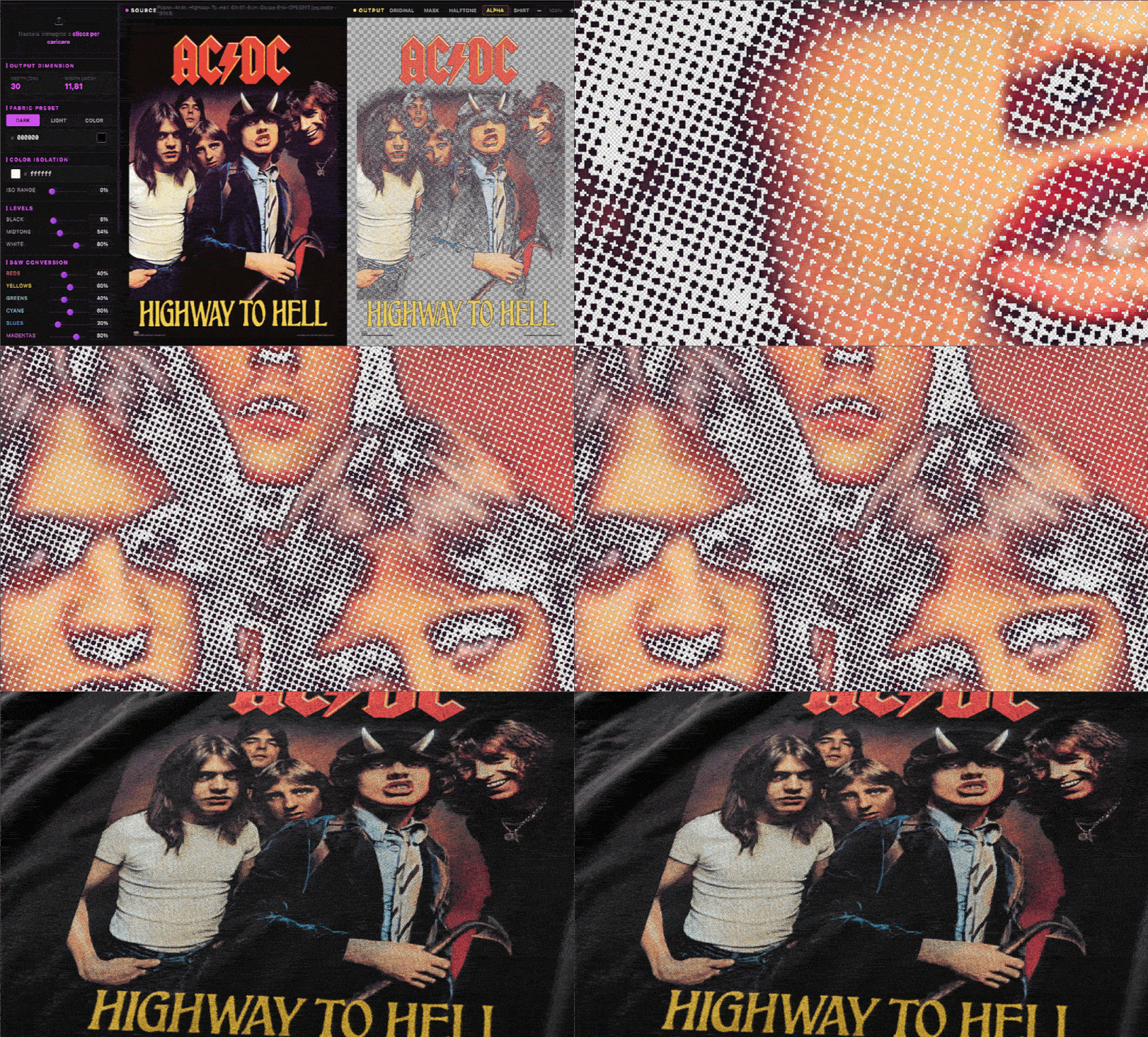
Open your browser, upload the photo, and in 3 minutes you have your PNG with transparent black or white!
STEP 1
Upload the photo
Any photo, logo, illustration. PNG, JPG, WEBP. Even high-resolution images.
STEP 2
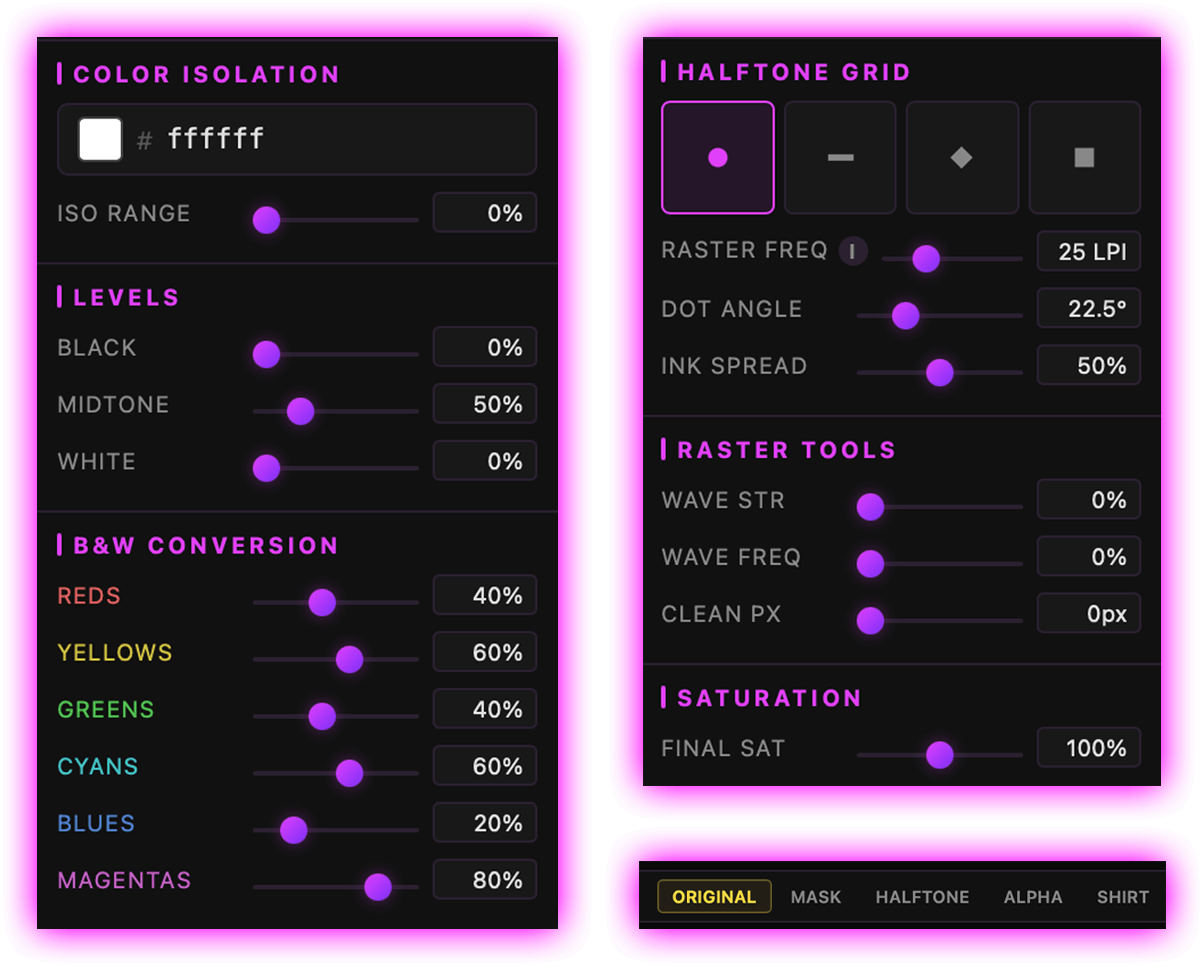
Edit in real time
Just like in Photoshop: drag a point on the curve and watch the result update instantly. Total control over shadows, midtones, and highlights.
STEP 3
Export to PNG
One click. The file is ready for your RIP, for Photoshop, for any DTF or screen-printing workflow.
All features
From a file that"looks correct"to a file that's truly optimized for DTF printing.
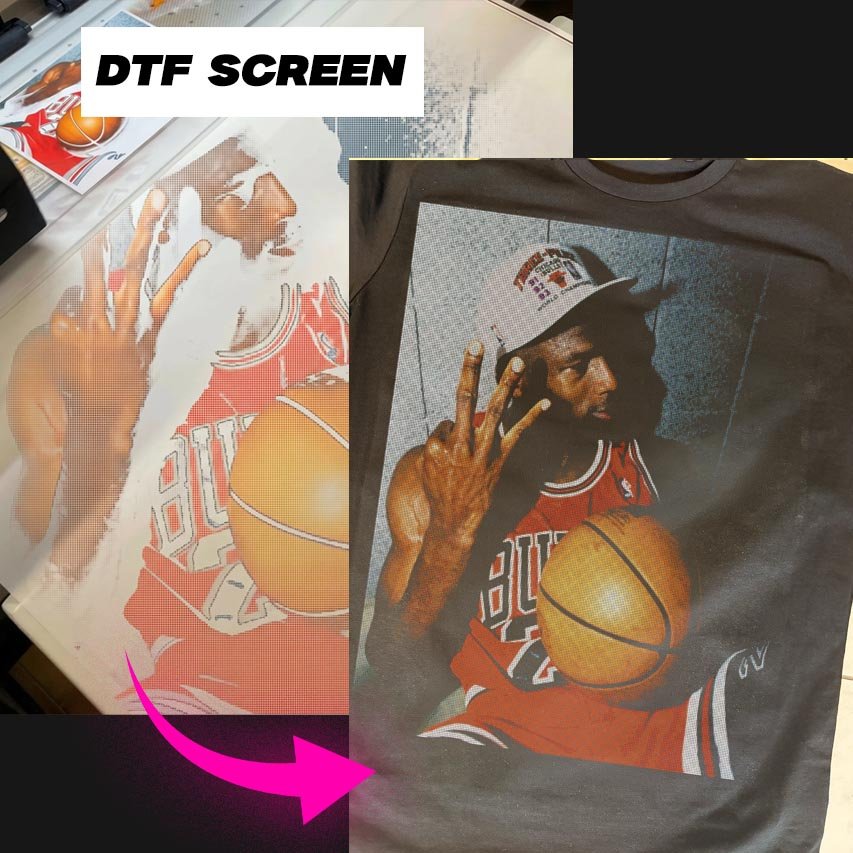
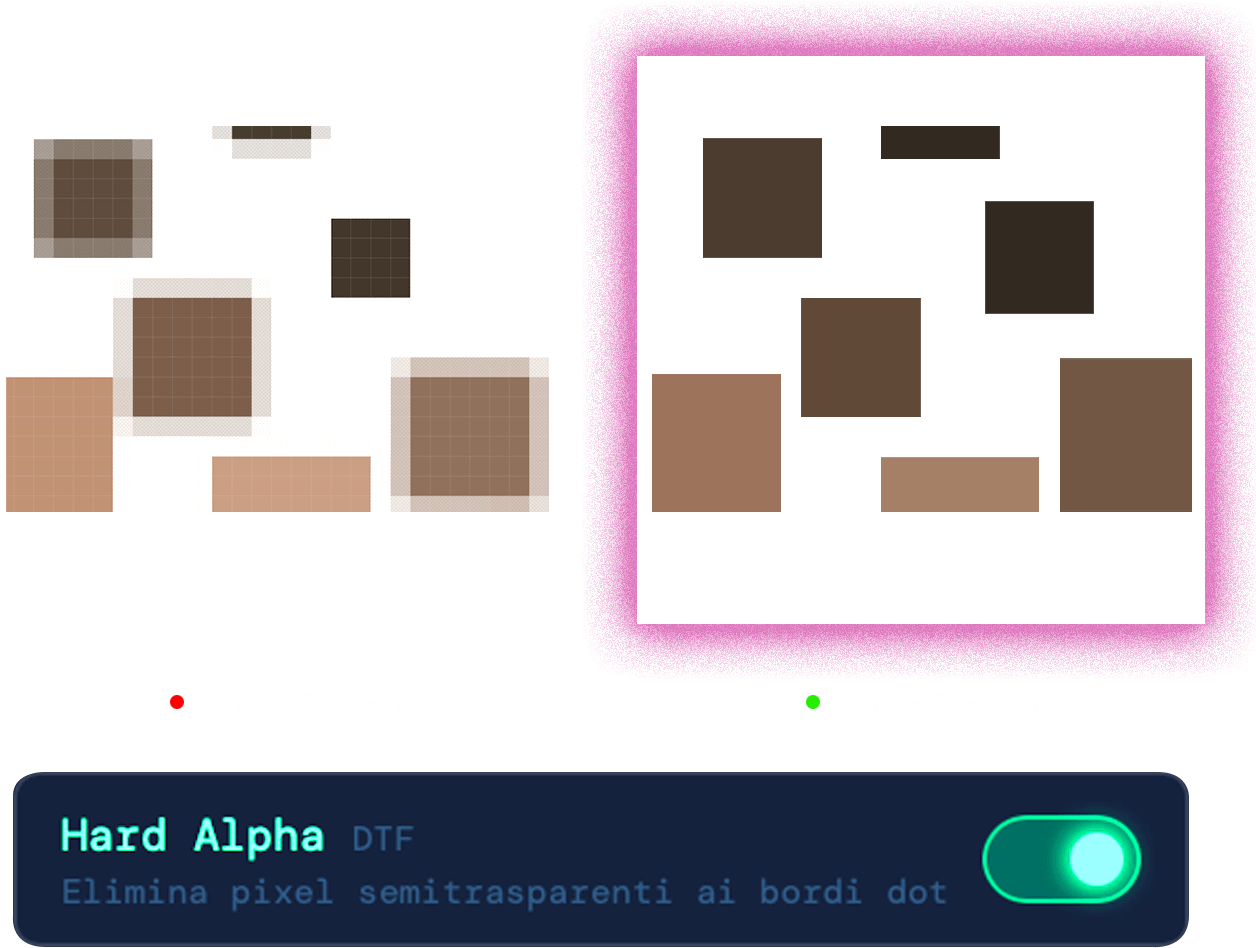
Automatically adapts the halftone to the fabric color,compensating for contrast and dot density to achieve a more uniform, accurate result in DTF printing.
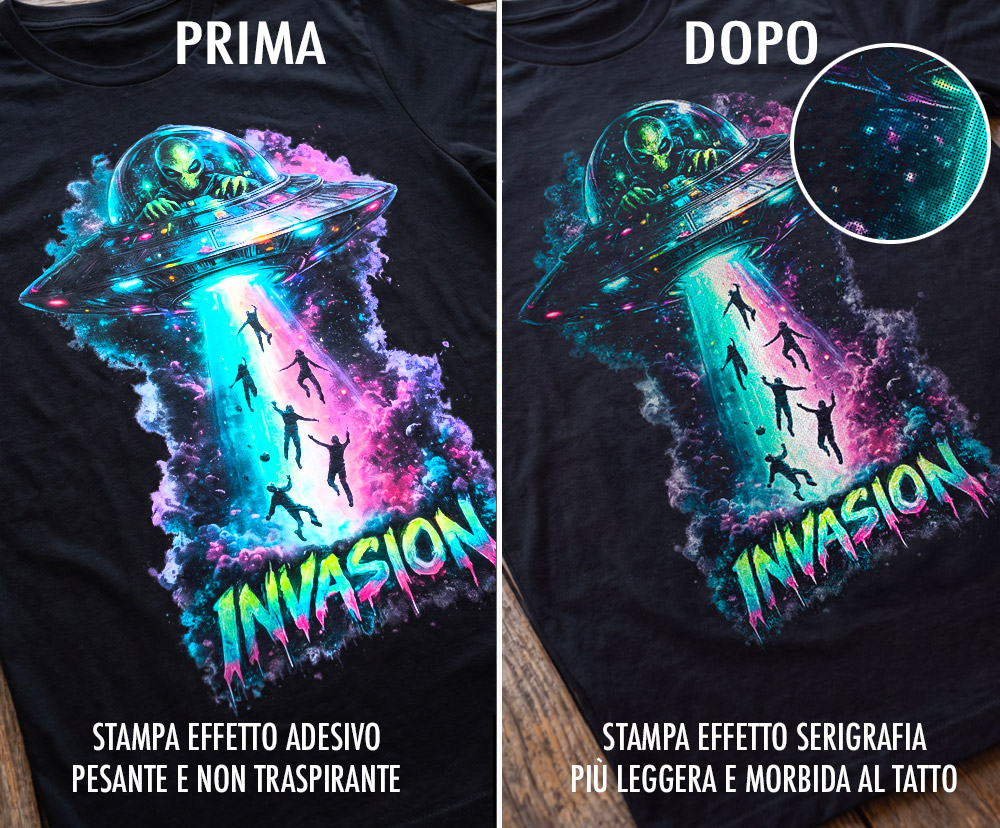
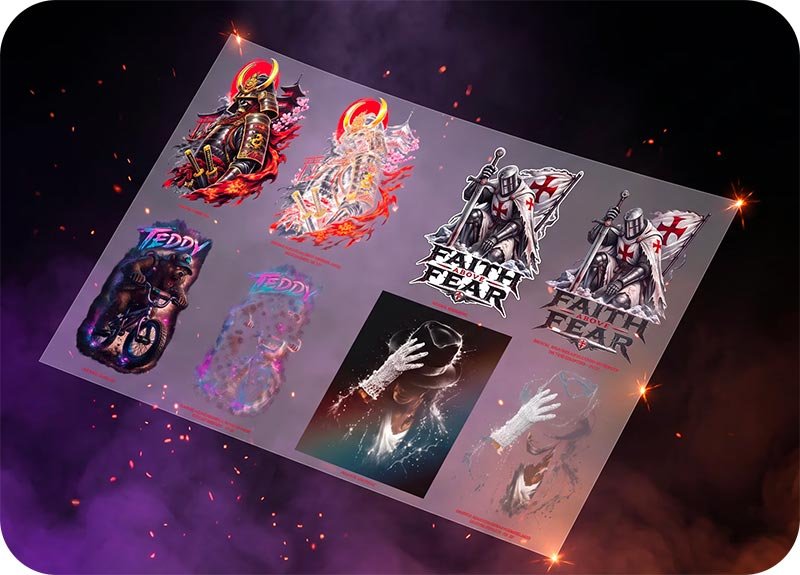
DTF printing with or without Halftonix? See the difference!
Pack 9 preset maschera cornice
With creative masks, you can achieve professional effects in seconds, enhancing every design without lengthy Photoshop work.
Free Updates Forever
You'll receive software updates free via email: new features to simplify your work and get the most out of it!
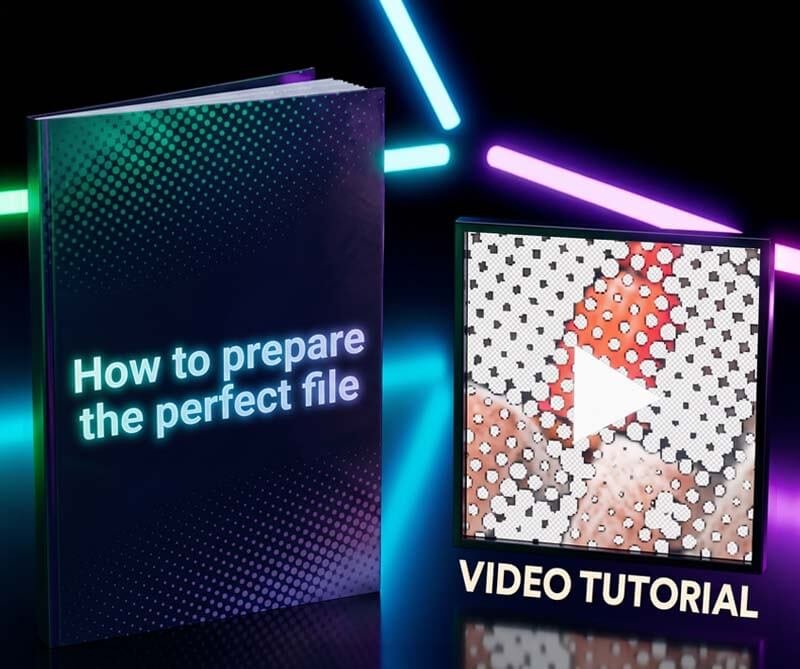
"How to Prepare the Perfect File" Guide
A document explaining how to prepare the perfect file for any type of DTF or digital printer, plus a case-study video tutorial.
★★★★★
★★★★★
★★★★★
★★★★★
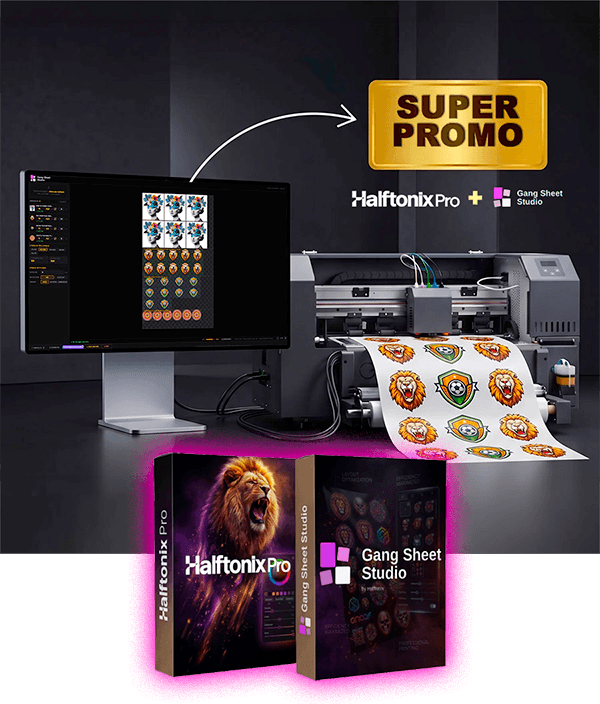
Halftonix Pro + Gang Sheet Studio
Laying out graphics in Photoshop to build the print sheet is wasted time. With the Gang Sheet Function, you do it automatically in 1 minute!
Arrange multiple graphics on a single film sheet in 1 click
With Gang Sheet Studio you set the film sheet size, upload your designs for DTF printing, and they're automatically arranged on the sheet, optimizing every centimeter!
Get access to Halftonix Pro the next DTF or digital graphic you deliver to your client will be the best you've ever produced!
For a short, limited time only
Advanced Halftone editing software for DTF/Digital + 3 Bonus
Compatible with Mac and Windows
Domande Frequenti
Halftonix Pro is a tool for preparing and optimizing graphics intended for DTF and DTG printing. It lets you remove fabric color from the graphic, create halftone screens, manage transparencies and dot patterns, and achieve lighter, softer prints.
No. You can also work on white and colored t-shirts, by selecting directly from the graphic the color you want to exclude from the print..
No. The license is lifetimeyou make a single purchase and there's no monthly fee.
In DTF printing, gradients and transparencies can be hard to reproduce correctly, because a white base layer is printed underneath the colored ink.In semi-transparent areas, this can create excessive coverage, making the gradient fuller, less natural, and increasing the "film" effect on the fabric.
Halftoning, on the other hand, turns gradients into micro-dots of print alternating with ink-free areas,allowing the fabric to remain visible. This reduces the amount of color, white base, and transferred material, resulting in more manageable gradients and a softer, lighter, more breathable print,with an effect closer to screen printing.
Yes. For any questions or difficulties, we offer support in using the tool and can help you find the settings best suited to the specific graphics you're processing..
Absolutely not! Halftonix was designed to be simple and intuitive, speeding up operations that would take several manual steps with traditional graphics software.
Halftonix Pro exports the processed file as a transparent PNG at 300 DPI.PDF export is available in the Halftonix Pro + Gang Sheet version,which also lets you lay out multiple graphics on the film sheet.
Yes, Halftonix includes an upscaling feature, and you can prepare the graphic at the dimensions needed for your printing project.
Gang Sheet is the tool that automatically arranges multiple graphics on the same DTF film sheet,optimizing space and reducing waste. You can set the sheet dimensions, insert your graphics, and quickly create a print-ready layout, without having to do it manually in Photoshop.
Sure. By clicking the floating button on the page, you can download a free test file already processed with Halftonix and try it directly with your DTF printer
You can also watch our full video tutorial to see Halftonix in action and understand step by step how graphics are processed.
Yes. At checkout you can enter your billing details and you'll receive a regular Italian invoice for the purchase.
Right after your purchase, you can access your members area and download the tool directly from the dedicated download section.
For support and information
: ADV Lab | VAT No. 05518790281 Padua, Italy. Privacy Policy Cookie Policy
Thank you! You can now download the zip file with the test and check the results directly on your DTF/DGT printer.
Download the file