DTF vs screen printing: which one fits your project
Run size, colours, fabrics, hand feel and turnaround: a practical comparison of DTF and screen printing to work out which one suits your next job.
Your artwork is ready and you need to decide how to print it: DTF or screen printing? It is one of the most common questions for anyone producing t-shirts, merch or custom apparel. There is no answer that always holds: each technique has ground where it excels and situations where it gets awkward.
This comparison puts the two side by side on the criteria that matter in production: run size, colour count, fabric, hand feel, turnaround and file preparation. The guidance is general: for important decisions, ask your print shop for a side-by-side quote and always run a test print.
- DTF: ideal for short runs, full-colour or photographic artwork, personalisation and mixed fabrics.
- Screen printing: at its best on large runs of the same design with a few solid colours.
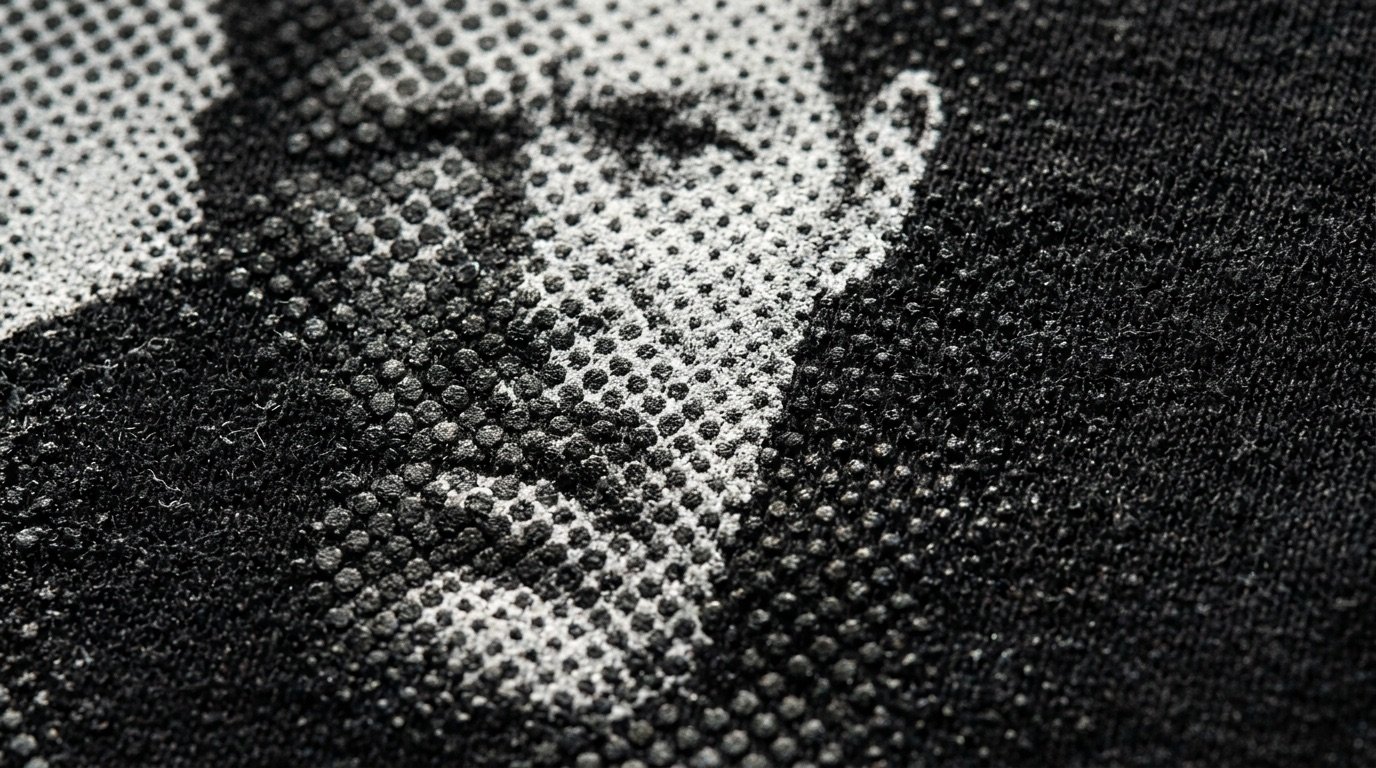
- The hand feel of DTF depends heavily on the file: halftones and no solid fills make it lighter.
- When in doubt, decide on quantity × colour count and test on the real garment.
How the two techniques work
Screen printing
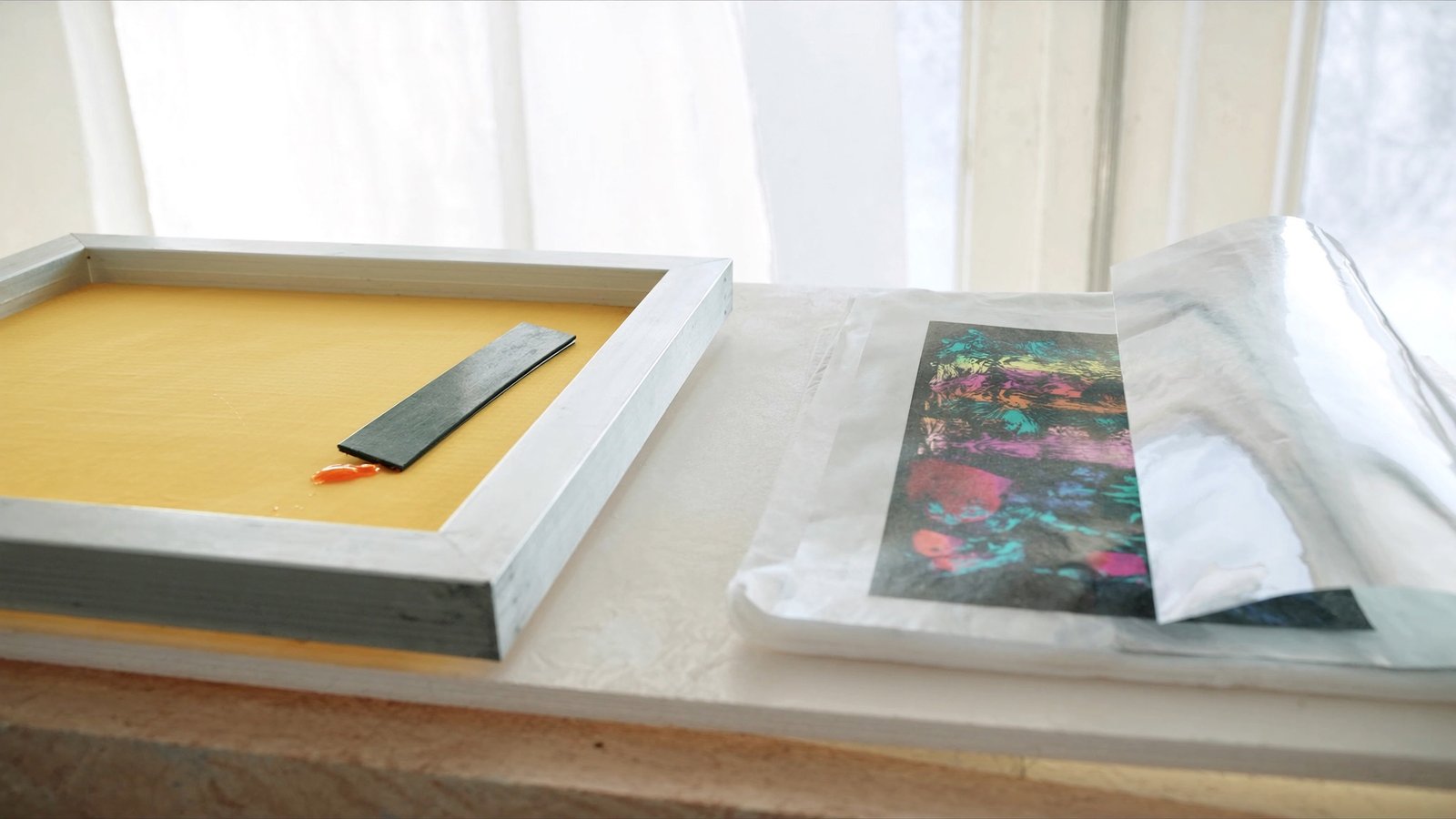
In screen printing, ink is pushed through a fine mesh screen carrying a stencil that leaves open only the areas to print. You need one screen per colour: each colour is printed in a separate pass, registered with the others, and then the ink is cured. Preparing screens takes time and materials, but once they are ready, printing many identical pieces is fast.
DTF (Direct to Film)
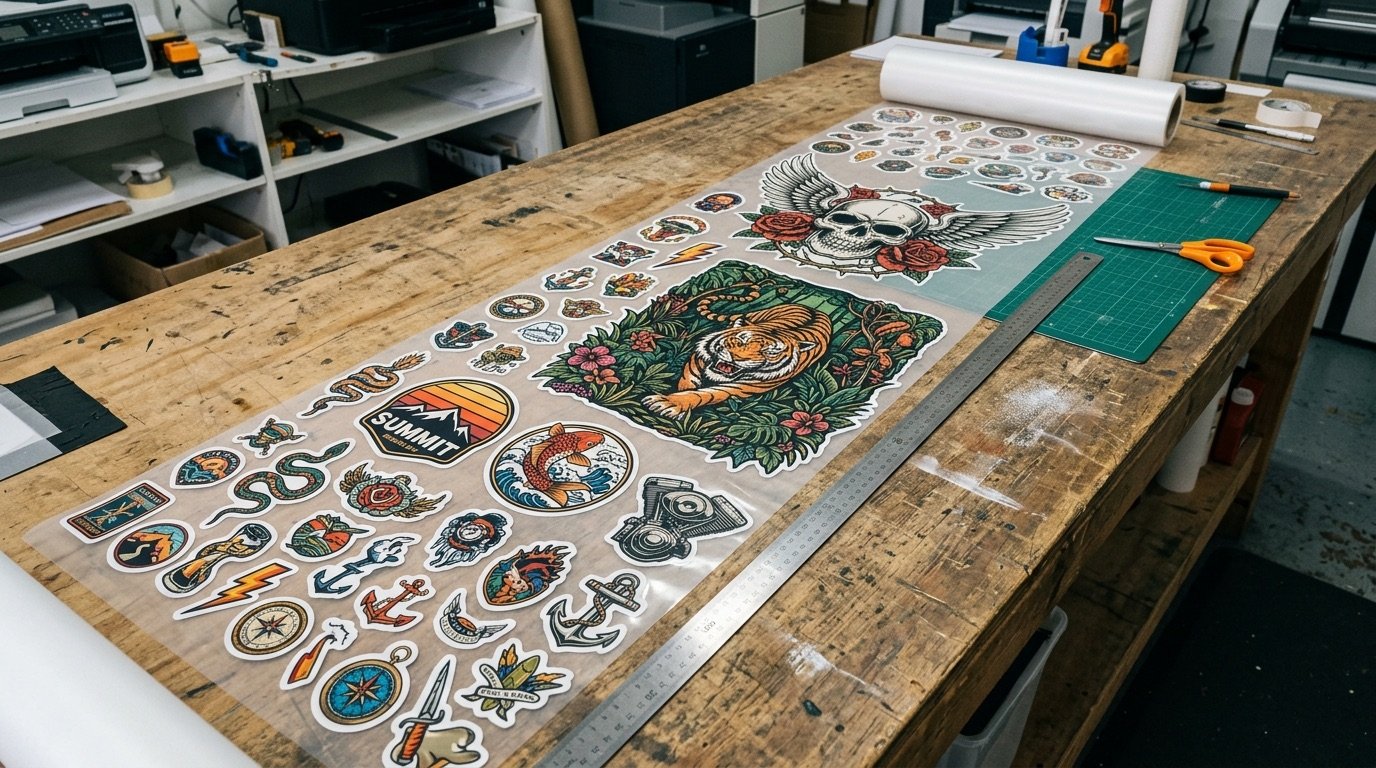
In DTF the artwork is printed onto a PET film with pigment inks, followed by a layer of white underbase. Adhesive powder is applied to the wet print and melted in an oven or curing tunnel. The resulting transfer is then applied to the garment with a heat press. There are no screens: every file can differ from the last, and different designs can sit side by side on a single sheet (the gang sheet).
Head-to-head comparison
| Criterion | DTF | Screen printing |
|---|---|---|
| Short runs | Very well suited, no setup | Less economical because of screens |
| Large runs | Possible, but every piece needs film and pressing | Very efficient once screens are ready |
| Number of colours | Makes no difference: photos and gradients too | Every colour adds a screen and a pass |
| Fabrics | Cotton, polyester, blends and more (test first) | Very versatile, with inks specific to each fibre |
| Hand feel | Layer with adhesive; lighter if the file uses halftones | Highly variable: from barely there to a thick layer |
| Personalisation (names, numbers) | Simple: just change the file | Laborious, needs dedicated stencils |
| Special effects | Limited by available inks | Wide choice: metallic, puff, glitter, discharge |
Read the table as a tendency, not a rule: a well-organised screen shop or a high-output DTF printer can shift the balance. That is why the final comparison should be made on your job, with your print shop's numbers.
When to choose DTF
- Few pieces or many different designs: merch drops, capsule collections, print-on-demand orders.
- Complex artwork: photos, illustrations with gradients, many colours or fine detail.
- Personalisation: different names and numbers on each garment, variants by size or team.
- Tight deadlines: with no screens to prepare, you get from file to print faster.
- Print to stock: transfers can be produced in advance and pressed when needed.
When to choose screen printing
- Large runs of the same design: event uniforms, corporate orders, band merch in volume.
- A few solid colours: one-, two- or three-colour logos and graphics are its home turf.
- Special effects: metallic, puff, discharge or fluorescent inks.
- A near-invisible hand on light garments with water-based inks, where the project allows it.
Hand feel and breathability: DTF's weak spot (and how to fix it)
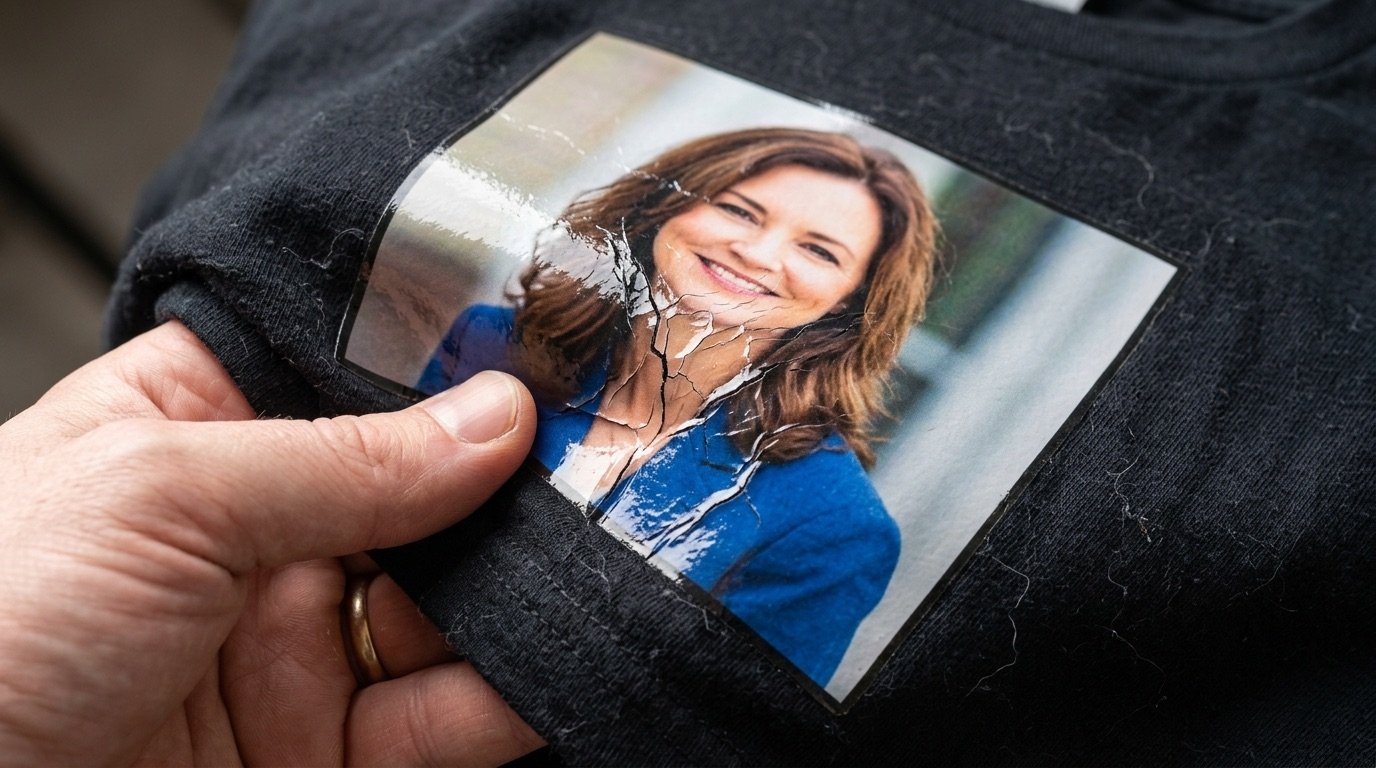
The most common complaint about DTF is the "plastic" feel of large solid prints. The reason is simple: wherever there is artwork, there is a layer of colour, white underbase and adhesive. A solid 30 cm rectangle becomes a continuous surface that doesn't breathe or move with the fabric. We cover this in detail in why DTF prints feel stiff and plastic.
Screen printing on dark garments isn't immune to the same issue: it often needs a white underbase too, and with opaque plastisol inks the print can end up thick. What really makes the difference is how the artwork is prepared. The trick screen printers have always used, turning shadows and gradients into halftone dots, works for DTF as well: less printed surface, fabric visible between the dots, a lighter print and a look very close to vintage screen printing. You'll find the method in our complete DTF halftone guide.
How file preparation differs
For screen printing, the artwork has to be separated into colours: each colour becomes a screen, and gradients are converted to halftones during separation. The number of colours has a direct impact on setup time and cost.
For DTF, you usually just need a transparent PNG at actual print size, with clean edges and no semi-transparent pixels. Colour count doesn't matter, but how you handle transparency, gradients and white underbase matters a lot: an unprepared file can lead to halos, dirty edges or a heavier print than necessary.
How to decide in practice
- How many identical pieces do you need, and how many different variants?
- How many colours are in the artwork? Are there photos or gradients?
- Which fabric and which garment colour will you print on?
- How much does softness matter to your customer?
- Do you need special effects or garment-by-garment personalisation?
- Have you run a print and wash test with both options?
If the answers lean towards few pieces, many colours and variants, DTF is almost always the more practical choice. If they lean towards large quantities of a simple logo, screen printing is hard to beat.
DTF with a screen-printed look
If you go with DTF but want a light print with a screen-printed feel, the work happens in the file. Halftonix Pro turns your artwork into halftones, removes solid backgrounds and cleans up the alpha channel, giving you a transparent PNG ready for the RIP. Before production, still run a test print on your own setup.
Frequently asked questions
Is DTF better than screen printing?
Neither is better across the board. DTF is more flexible for short runs, full-colour artwork and personalisation; screen printing shines on large runs with a few solid colours. The right choice depends on the job.
Which one lasts longer in the wash?
Both can last a long time when done properly. Durability depends on inks, powder, curing or pressing temperature and time, and on how the garment is washed. Always confirm with a wash test on your own material.
Can you feel a DTF print?
Somewhat, because there is a layer of ink and adhesive on top of the fabric. You can reduce it a lot by turning shadows and gradients into halftone dots and avoiding large solid areas: less printed surface means a softer, more breathable print.
At what quantity does screen printing make sense?
There is no universal threshold: it depends on the number of colours, your print shop's setup costs and the timeline. In general, more identical pieces and fewer colours favour screen printing. Ask your print shop to compare both options for your specific job.
Can DTF look like screen printing?
It can get very close if the file is prepared with halftones, a reduced palette and no solid background: the fabric breathes between the dots and the print feels lighter. Run a test print to check the result on your setup.